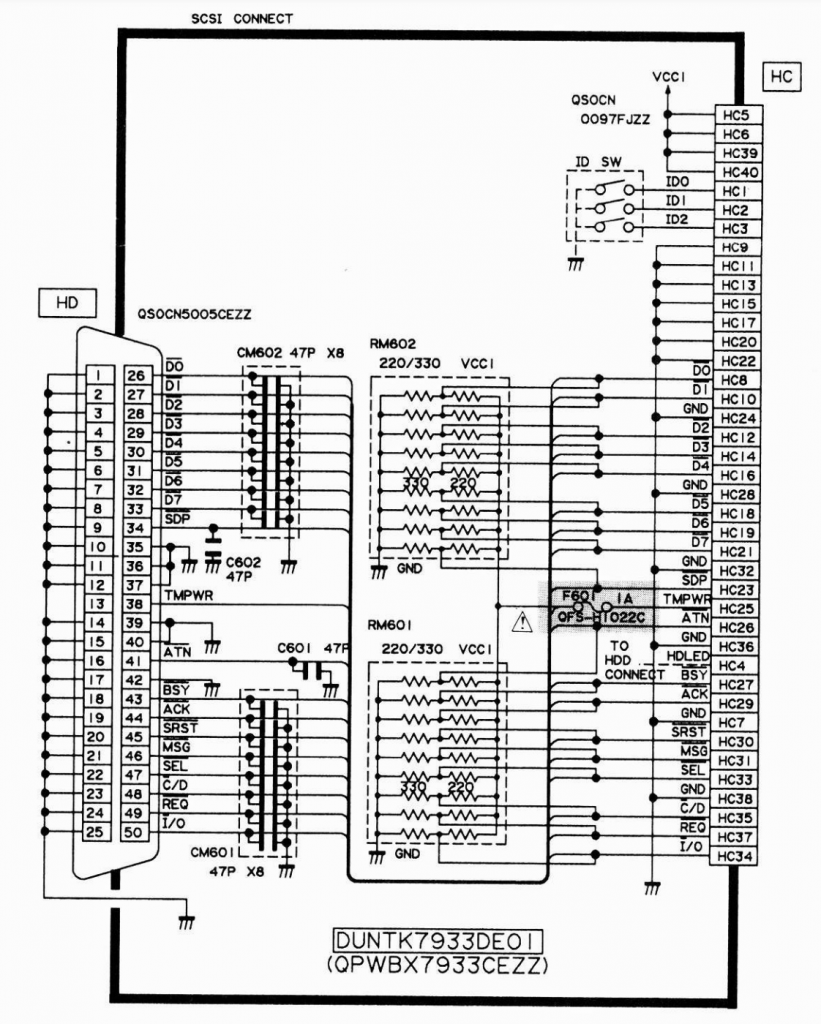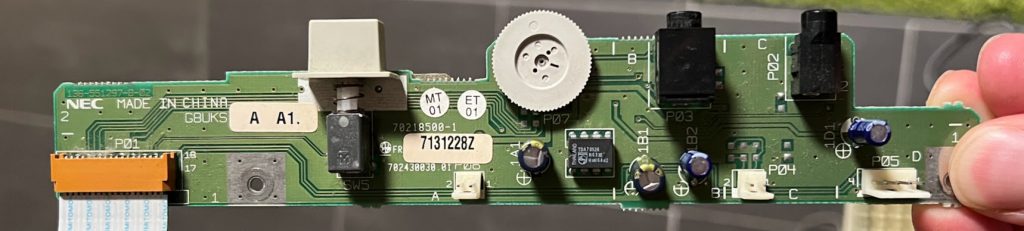
Since I wanted to be able to have a SCSI to Flash adapter connected internally to my device, I had to make some adjustments to the hardware.
Hardware
I wanted to hook up an internal SCSI HDD to my X68030, and decided that instead of trying to manufacture a cable for this, I’d just make a quick replacement SCSI IO board with the proper connector. This board has the same configuration of resistors and capacitors as the original board, but lacks the external connector. It has headers for setting the SCSI ID, but it’s fine to leave this unpopulated and just use SCSI ID=0 for the X68030.


SCSI Device setup
Setup is quite minimal.
There shouldn’t really be any settings needed to be changed in SWITCH.X. Leaving device boot as STD works, and either 0 or 7 as SCSI_ID works fine.

I had a spare Henkan Banchou 変換番長 Pro from a previous project that I decided to use. I designed and 3D printed a bracket (STL is at end of this post) for this to fit in the top right of the X68030, since that’s where the internal HDD is in CZ-510C.
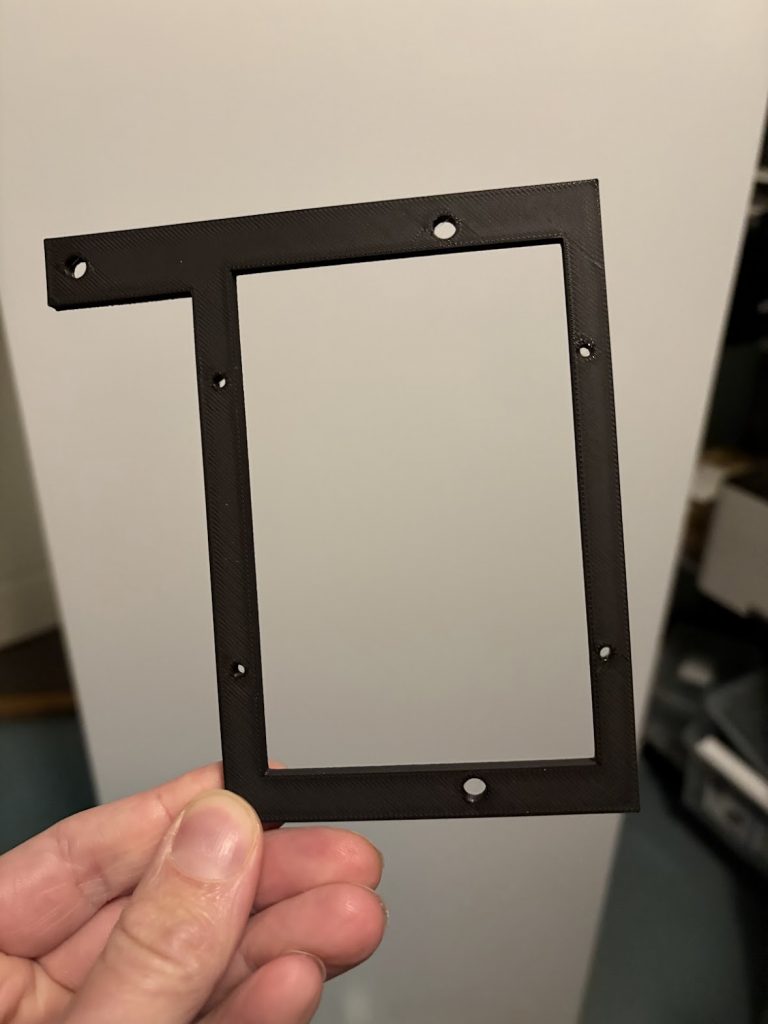

I loaded this with the SxSI-SCSI HDD Image v3.01 from NFG Games forum, and things pretty much just worked right away, once I connected the cable.
Power is supplied using the flat cable (as long as the connected device doesn’t require more than 1A).

Downloads
Internal SCSI board
KiCad project and Gerbers for this can be found at https://github.com/buffis/x68030_scsi_adapter. This also has the BOM.
There’s minor layout changes to the one in pictures above, but no change in functionality.
Henkan Banchou mounting bracket
Also available on Github under https://github.com/buffis/x68030_scsi_adapter/tree/main/mounting_bracket.
Standard STL file that any 3D printer should be able to print.