
This web page is a part of buffi's web ring
Categories
Arcade Research Shmups

Benchmarking CV1000 PCB vs MAME and MiSTer

A lot of work has happened in MAME recently to get emulation closed to PCB behavior, and the new MiSTer CV1000 core seems very promising, so thought it would be good to have some actual benchmark to compare things.

So here we are, DOWNLOAD HERE and read more below.
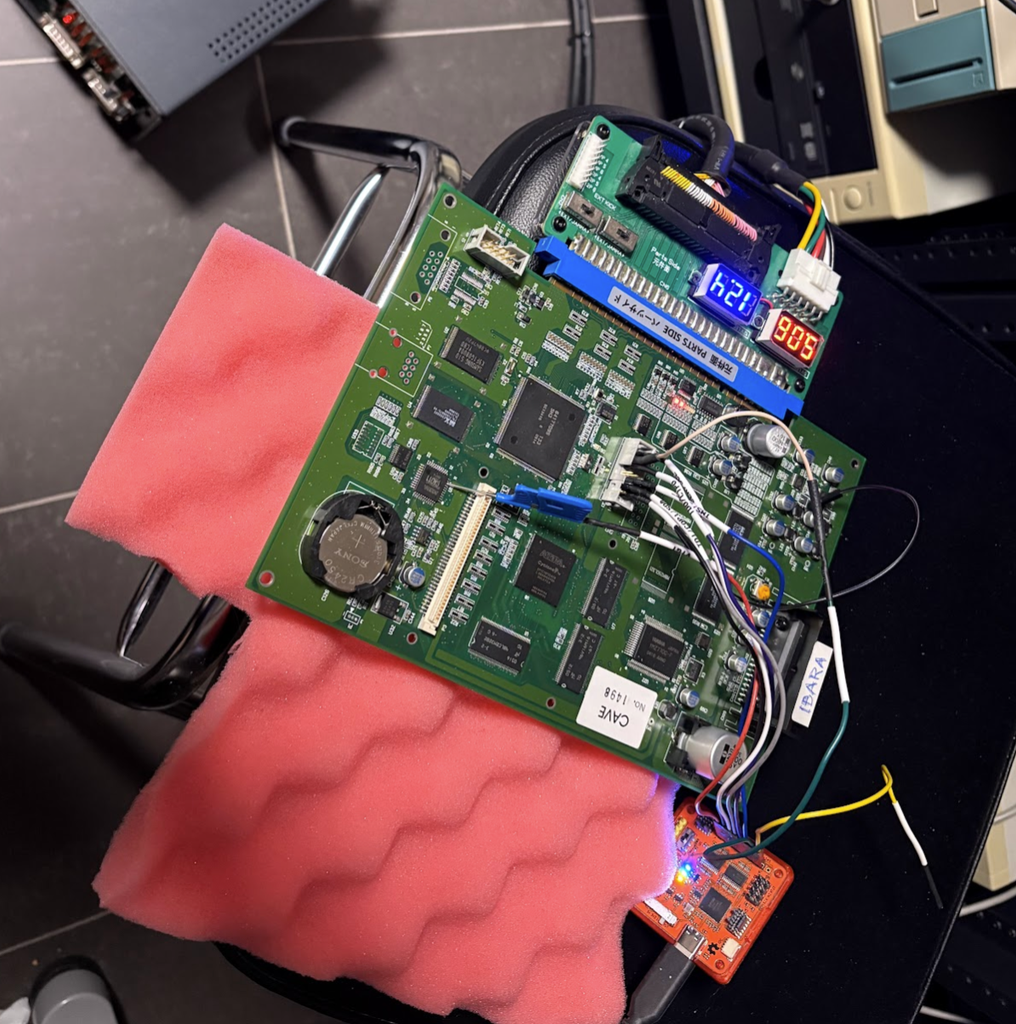
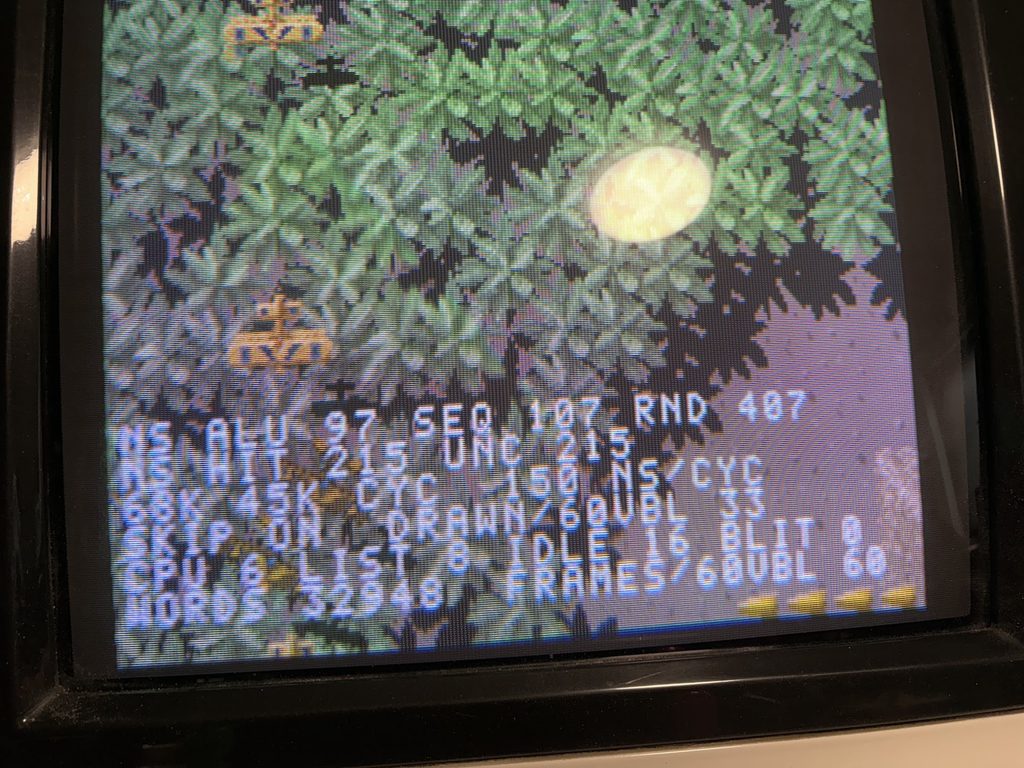
Benchmark running on a Ibara PCB

What does the benchmark test?

The Benchmark suite will run a set of tests, which are just meant stress the board until slowdown triggers.

It’s unlikely to be a GOOD replication of what actually happens on boards, but it’s at least a simple means for comparing emulation versus actual hardware.

I’ve aimed to get a good spread of different types of loads, but don’t read too much into it.

Test results

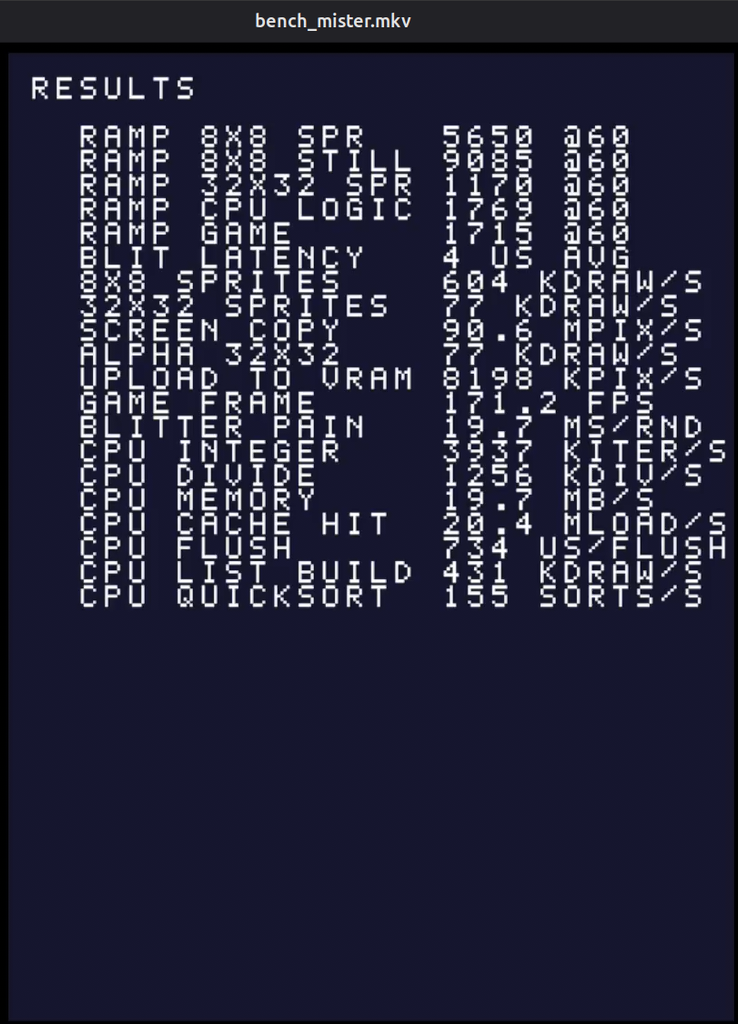
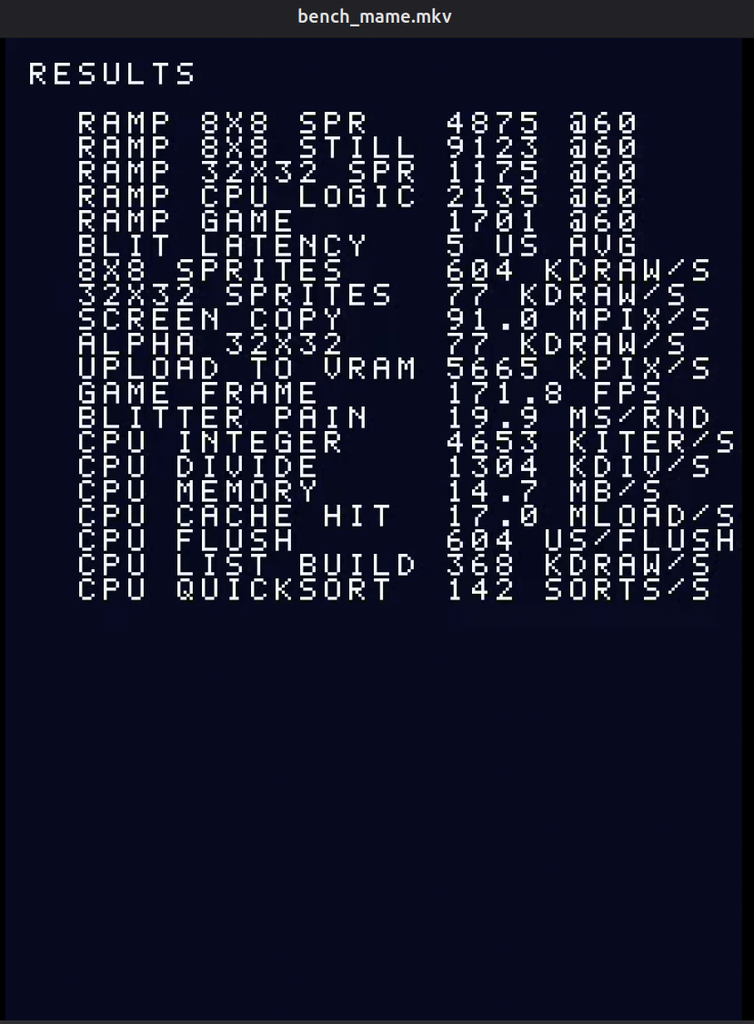
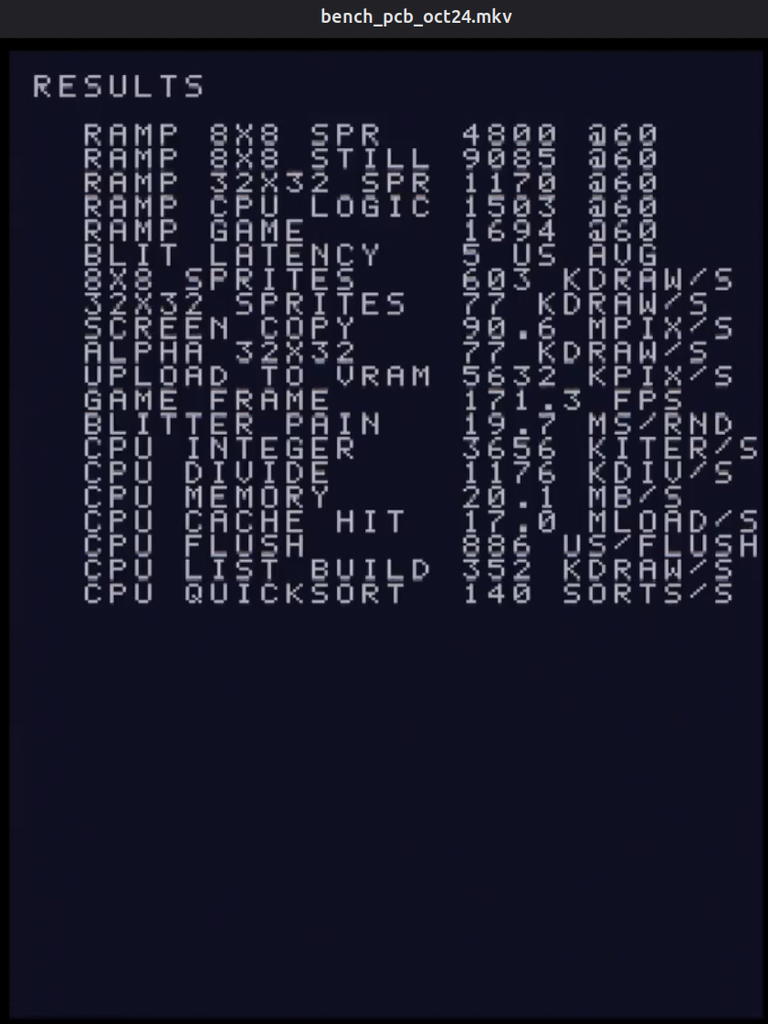
Result screens after running the benchmark:
Videos for all runs:

What the tests are

Ramping tests

  • RAMP 8X8 SPR
    • Up to 30,000 small transparent sprites moved every frame. 8×8 sprite is cheap to draw, so most work lands on the CPU.
  • RAMP 8X8 STILL
    • Up to 46,000 of the same sprites, not moving and written straight into the command list with five stores each, the way a tile map is drawn. With almost no CPU load, this measures the blitter’s fixed cost per draw command.
  • RAMP 32X32 SPR
    • Up to 5,000 transparent 32×32 sprites. Each is 16 times the pixels of an 8×8, so the blitter’s pixel throughput is the limit rather than its per-command overhead.
  • RAMP CPU LOGIC
    • Up to 11,000 objects, each run through forty rounds of a multiply-shift-xor hash before it is drawn as an 8×8 sprite. Drawing is trivial here, so this is another CPU focused test.
  • RAMP GAME
    • The closest something resembling a real game frame: a 1,200-tile background plus up to 8,200 objects with light logic, alternating 32×32 sprites and half-transparent 16×16 ones. CPU and blitter are both busy, and the test shows which one gives out first.

Blitter throughput tests

  • BLIT LATENCY
    • A list with a single 8×8 draw, started and waited for over and over. It measures the fixed cost of starting a blit, and how long the blitter takes to report busy. Every other blitter figure includes this overhead.
  • 8X8 SPRITES
    • 1,000 transparent 8×8 draws per list. With so few pixels per draw, the result is close to the blitter’s cost per command.
  • 32X32 SPRITES
    • 400 transparent 32×32 draws per list: the typical size of a player ship or enemy, where command overhead and pixel work both count.
  • SCREEN COPY
    • Eight opaque full-screen 320×240 copies per list. No transparency and huge draws, so this is the blitter’s raw fill rate.
  • ALPHA 32X32
    • 400 cross-faded 32×32 draws. Blending has to read every destination pixel before writing it, so this shows what translucency costs compared with test 08.
  • UPLOAD TO VRAM
    • 32 uploads of 32×32 pixel data from work RAM into video RAM. The blitter takes over the bus to read work RAM, which stalls the CPU meanwhile. The CPU side and the blit are reported separately.
  • GAME FRAME
    • A fixed frame of about what a game sends: 1,200 opaque 8×8 tiles, 300 32×32 sprites and 100 cross-faded 16×16 sprites. It reports how many such frames per second the board could draw, both one at a time and pipelined, with the next list built while the blitter draws the current one.
  • BLITTER PAIN
    • The heaviest test. Two 224×224 sprites are uploaded, then drawn eight times each in three ways: plain, cross-faded, and flipped with a colour tint. Each of the four stages is its own timed list. That separates upload, raw fill, blending and the tint and flip paths, so a board and an emulator can be compared stage by stage.

CPU tests

  • CPU INTEGER
    • A 20-instruction loop of multiply, shift, xor and add, all in registers, the kind of code inside a random number generator or hash.
  • CPU DIVIDE
    • 32-bit unsigned division. The SH-3 has no divide instruction, so the compiler calls a library routine built from one-bit divide steps.
  • CPU MEMORY
    • A 128 KB copy with 32-bit words, byte-at-a-time memcpy, and a 32-bit fill. The data is eight times the size of the 16 KB cache, so this measures cache misses, write-backs and the SDRAM behind them.
  • CPU CACHE HIT
    • Loads that follow a random chain through 8 KB, which fits entirely in the cache. Each load needs the previous one’s result, so the CPU waits on every load. This measures cache hit latency without RAM getting involved.
  • CPU FLUSH
    • Cache flush routine, which games run before the blitter reads new data from RAM. It clears all 1,024 cache entries from uncached memory, then invalidates the cache. It is timed once with every line dirty and once with none, and the difference gives the cost of writing one cache line back to RAM.
  • CPU LIST BUILD
    • Writing sprite commands into the blitter’s command list, which is never sent. This is the CPU’s share of drawing a sprite: a handful of writes to uncached RAM, which the blitter reads directly.
  • CPU QUICKSORT
    • Sorting 4,096 32-bit integers, checked after every sort. Branchy, general-purpose code with plenty of loads and stores, closer to typical game logic than the tight loops above.

What does this mean then?

The TL;DR is that both are pretty good! Some take-aways from the tests:

  • Blitter latency is VERY accurate on both. Mister is a perfect match (which is sortof expected given its based on a reverse engineered bitstream), while MAME is within 1% or so of the Blitter induced slowdown.
  • The MiSTer core runs the CPU bound Ramp tests about 18% too fast consistently (RAMP 8X8 SPR and RAMP CPU LOGIC tests).
  • MAME runs the “RAMP CPU LOGIC” test weirdly performant compared to PCB (+42% performance) while the “RAMP 8X8 SPR” test is extremely close to PCB behavior. This is kinda interesting since it’s a fairly different spread compared to how MiSTer behaves.
  • The ONLY test where either MAME of MiSTer behaves significantly slower than PCB is the “CPU MEMORY” test, where MAME is about 27% slower than both PCB and MiSTer, which probably means there’s a bug there somewhere.
  • If the tests meant to somewhat look like actual game frames (RAMP GAME and GAME FRAME) are to be trusted, both MAME and MiSTer are super close to board slowdown behaviors for load in the most common scenarios!

Basically, unsurprisingly no emulation currently behaves “Exactly like on PCB”, but both are getting closer!
Categories
Research Arcade

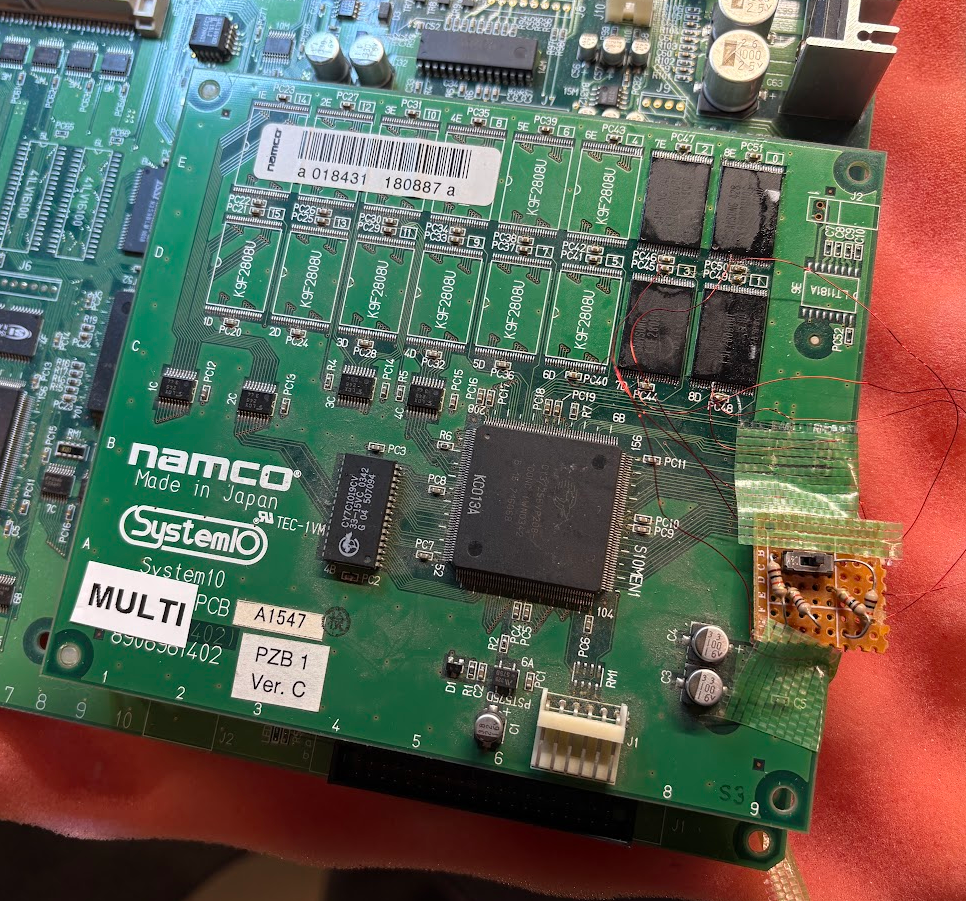
Namco System 10 conversions and proof-of-concept Multi

I don’t think there’s been any public pictures/videos/info of people doing game conversions for Namco System 10 yet. There’s an old thread on Arcade Project, with some people discussing the possibility, and the encryption was figured out only about two years ago.

I’ve been dumping a lot of cheap games for this system, and have always kindof wondered if converting the ROM boards to something more fun would be doable and now it is!
I wish I could say that I’ve done something smart here, but the TL;DR is really just “ask the AI to do it”. Claude (or your LLM of choice probably) will happily take your game dumps and convert them to run on other ROM boards with different protection logic. It will also handle bad blocks if reusing existing ROM chips.

For reference, the exact prompt I used with Fable 5.1 (Opus 5.5 should likely be fine too) was:

I want to try converting one of my Puzz Ball PCBs for Namco System10 to run Gamshara instead.
I have dumps for both of these games in roms/

For system10, each game pcb uses custom encryption/scrambling.

This means making it possible to run that game "as puzzball" with stuff re-encrypted/scrambled

I want to reuse the flash from the puzz ball PCB, so route around bad blocks.

I have mame installed in ~/dev/git/mame

This worked fine, but if you want to save a bunch of tokens and speed things up a bit, you can plug in this “Skill” I exported for doing these things. Just ask the AI how to use it, it will figure it out.

More indepth instructions

  • Install Claude Code or your AI of choice
  • Clone the MAME repo somewhere locally
  • Get a known working Namco System 10 ROM board
    • NOTE: I’ve only tested convering Star Trigon and Gamshara, with donor boards being Puzzle Ball, Medal no Tatsujin and Sugorotic. All of those worked.
  • Dump it. Check if the dump is something undumped, if it is, make sure to share it to someone who can put it in MAME.
    • ROMs are TSOP48 NAND Flash. You pretty much have to use desoldering alloy for removal. Hot air is ROUGH on these boards.
    • NOTE: Since you’ll reuse the ROM chips, you NEED your specific dump, to route around bad blocks.
  • Ask the AI to “Convert GAME_YOU_WANT to run on TARGET_PCB” using this skill.
  • Burn them to the original ROMs and solder the chips back.
  • Enjoy

Board below is running Gamshara.

THE FUN DON’T STOP HERE. IT’S MULTI TIME!

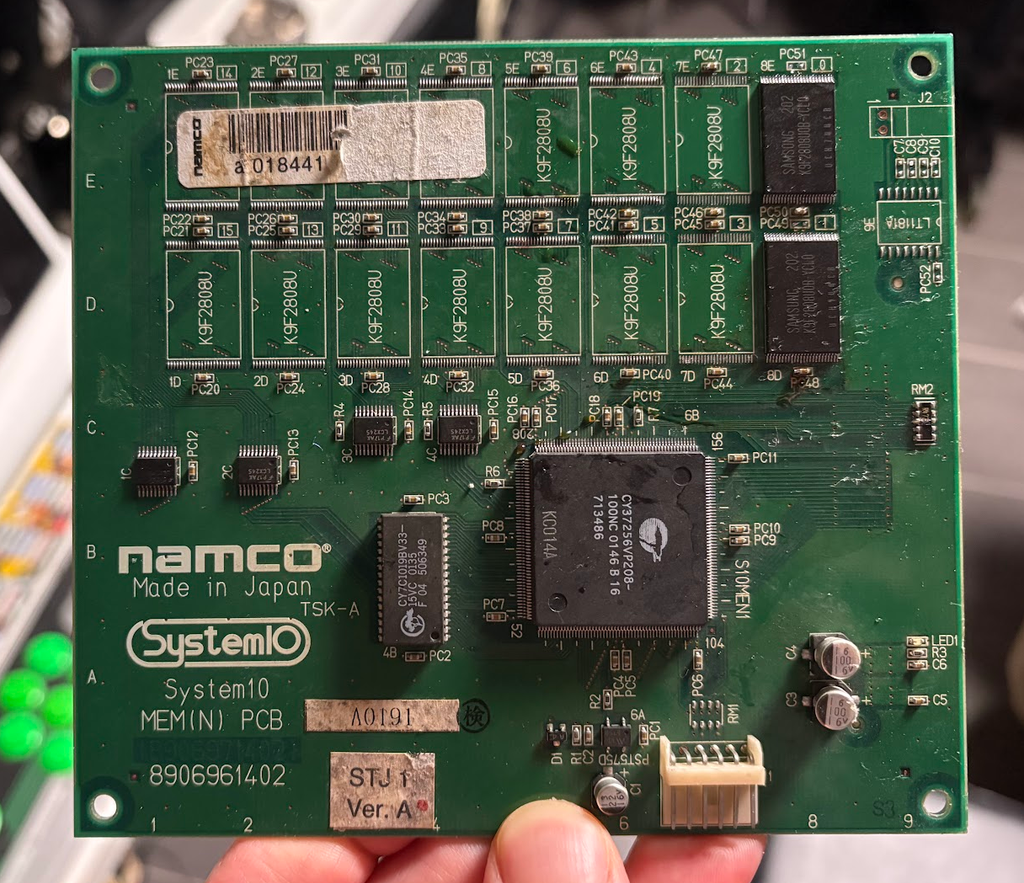
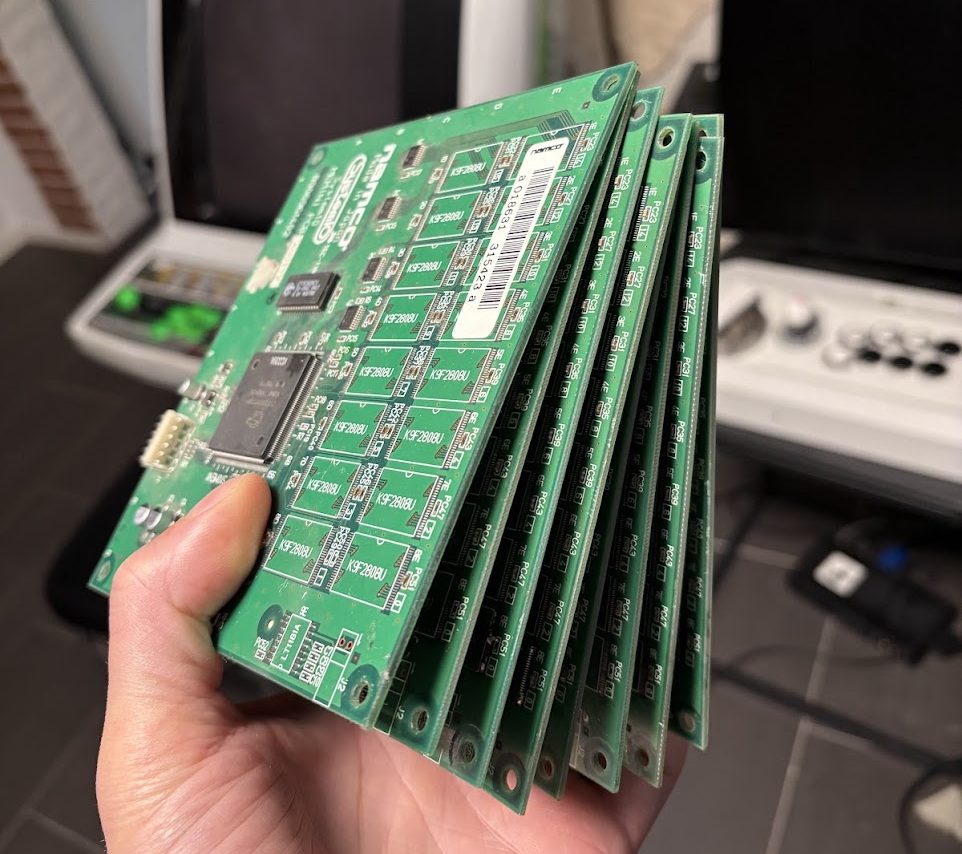
Turns out a bunch of games don’t really use more than two flash ROMs. There’s a lot of open position on the ROM boards… you see where this is going?

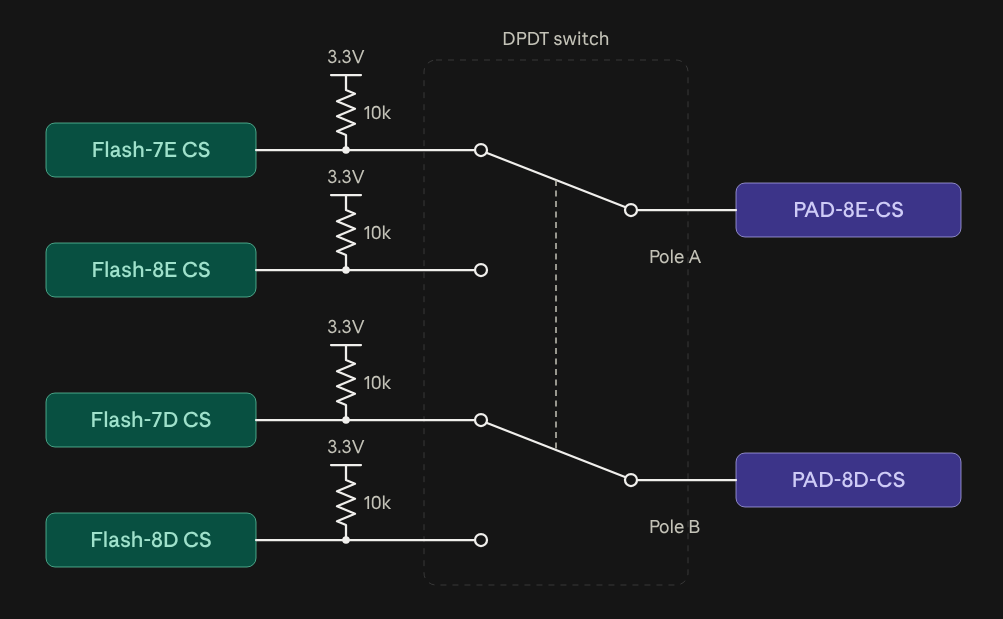
Only thing that’s needed is lifting Pin #9 (CS) and routing that to wires + switching logic, to be able to remap ROMs to look like they are placed in the 8D+8E slots (more work needed for games with more ROMs than two).

I threw together a simple proof-of-concept with Gamshara and Star Trigon, where I just have CS for the chips go to a DPDT switch. Works surprisingly well!

This is clearly a quick hack, and something more proper would allow remapping roms to other source footprints as well, to support games with more than two flash ROMs (like Mr Driller G).

None of that should be very complex though, and for something dead-simple and passive, a few 8-lever DIP switches would work.

Note regarding undumped games

There’s still a few undumped System 10 games that would be good to track down. Do NOT use any of them as donors without you or someone else dumping them.

If you are not confident duping flash based games, send them to someone like me, or Guru, or someone else who knows what they are doing.

Categories
Shmups Arcade

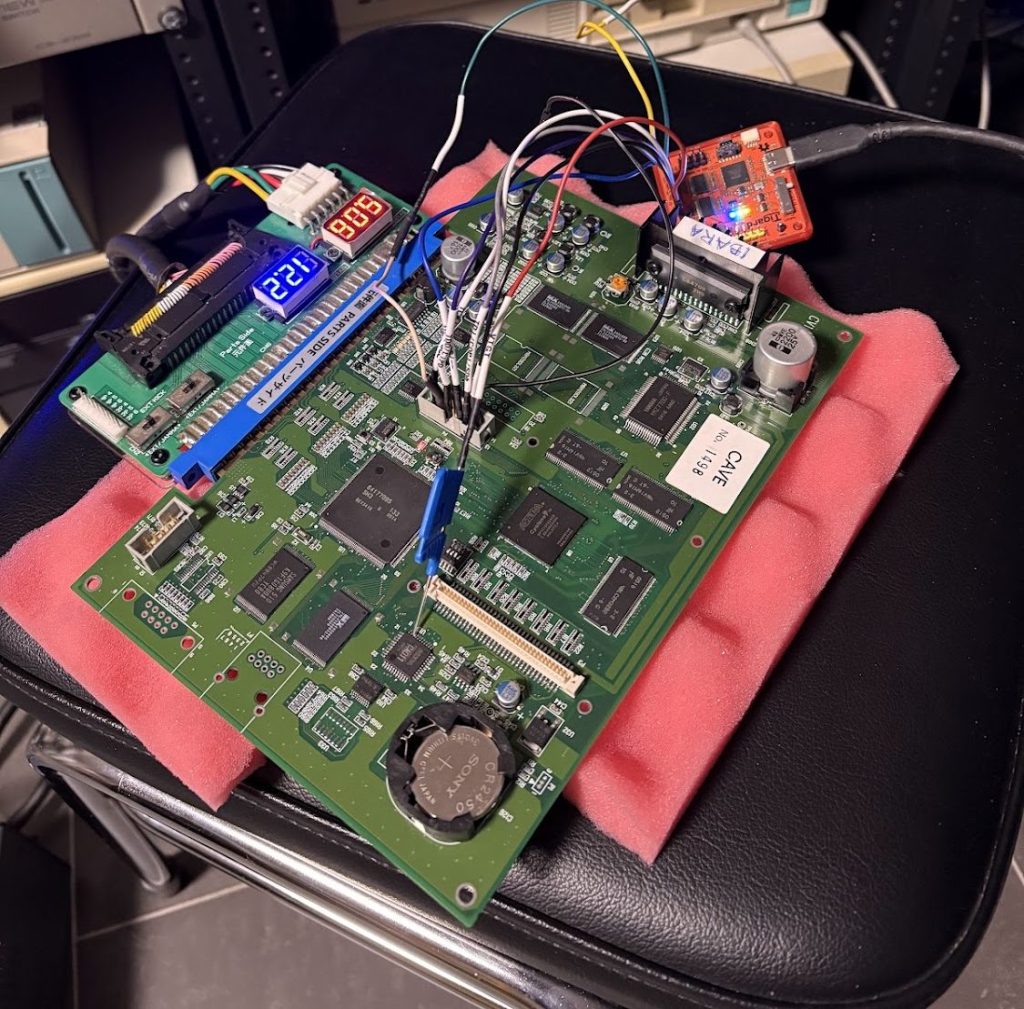
Flying Shark running on a CV1000 Ibara PCB

We live in a weird time where we can talk to cloud robots and they spit out video game conversions for us. Everything is getting static recompilations and CV1000 games now even works on Mister.

Having worked as a software dev for close to 20 years, I dunno how to feel about all programming nowadays more or less using LLM’s. It’s hard to deny it’s pretty damn efficient at getting shit done though.

So I thought… guess it’s time to embrace the slop. Let’s make some dumb shit that I’d never do otherwise… and here we are.

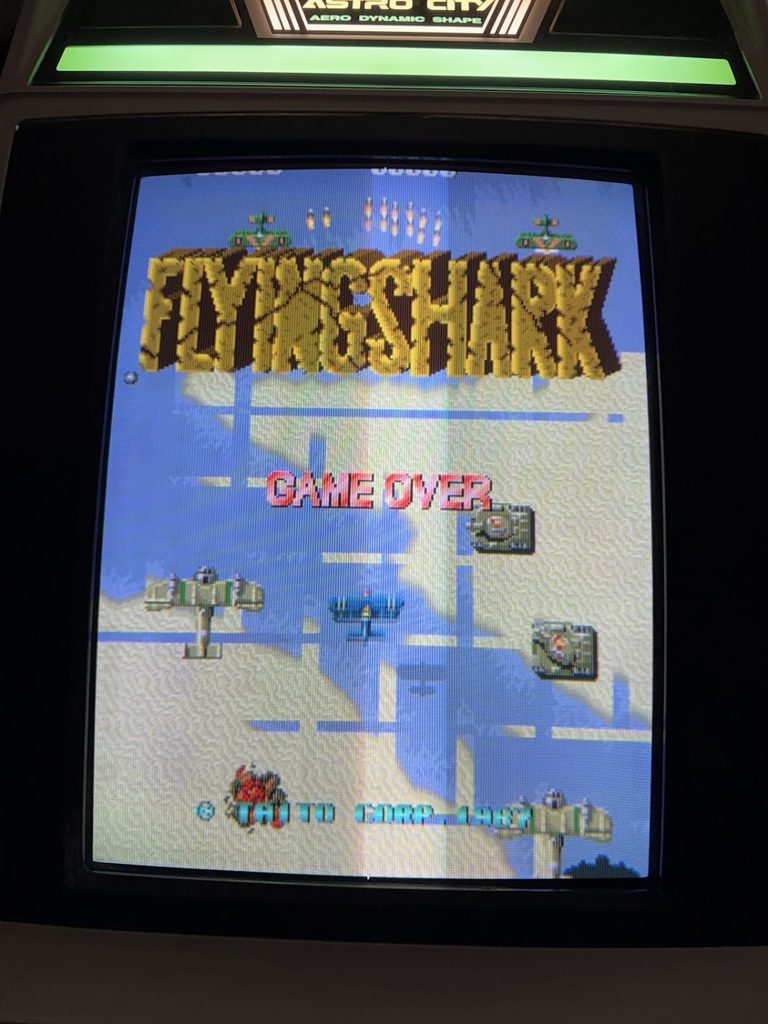
Enter, “Flying Shark : Slop Label”… which is Flying Shark running on a CV1000 PCB.

TL;DR for getting it running

  • Download this zip containing the engine for running stuff.
  • Slam that in a folder with fshark.zip, fsharkb.zip and ibarao.zip from the latest MAME romset. You’ll have to find those roms yourself you filthy fucking pirate.
  • Run:
    python3 build_fshark.py fshark.zip fsharkb.zip ibarao.zip

Running in MAME (if you are a normal person):

mame ibara -rompath out

Running on PCB (if you are cool):

Write out/fshark_u4.bin as U4 using JTAG to a Ibara PCB. 

If you have one of the CV1000 multis, it will probably run fine on that too (not tested).

So… how did we end up here?

I just asked Claude to do it for me.

… OK maybe not entirely that easy, but also not entirely untrue. I threw this shit together with Claude Fable 5.1 in about a week of messing around on evenings.

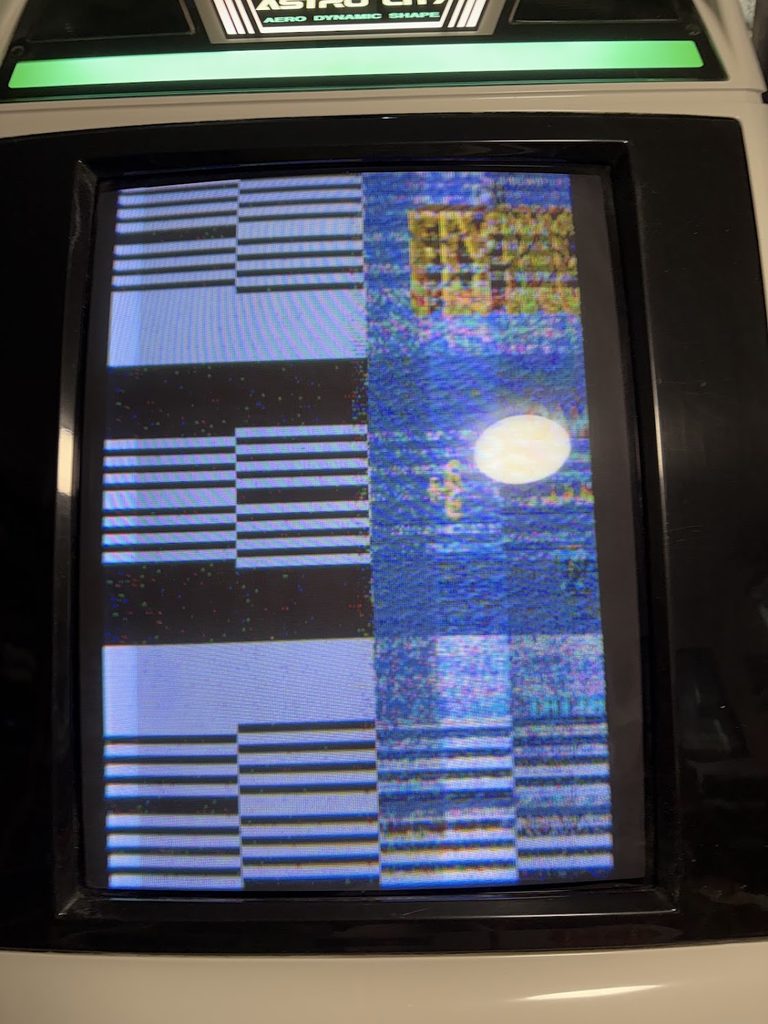
Getting things working with the cv1000 driver in MAME was fairly easy, but getting everything working on an actual PCB was unsurprisingly much harder. Early attempts had… interesting issues.

After lots of tweaking and iteration, graphics started looking better and better…

Eventually things looked great, but the game ran way too slowly (since after all the M68000 is basically emulated).

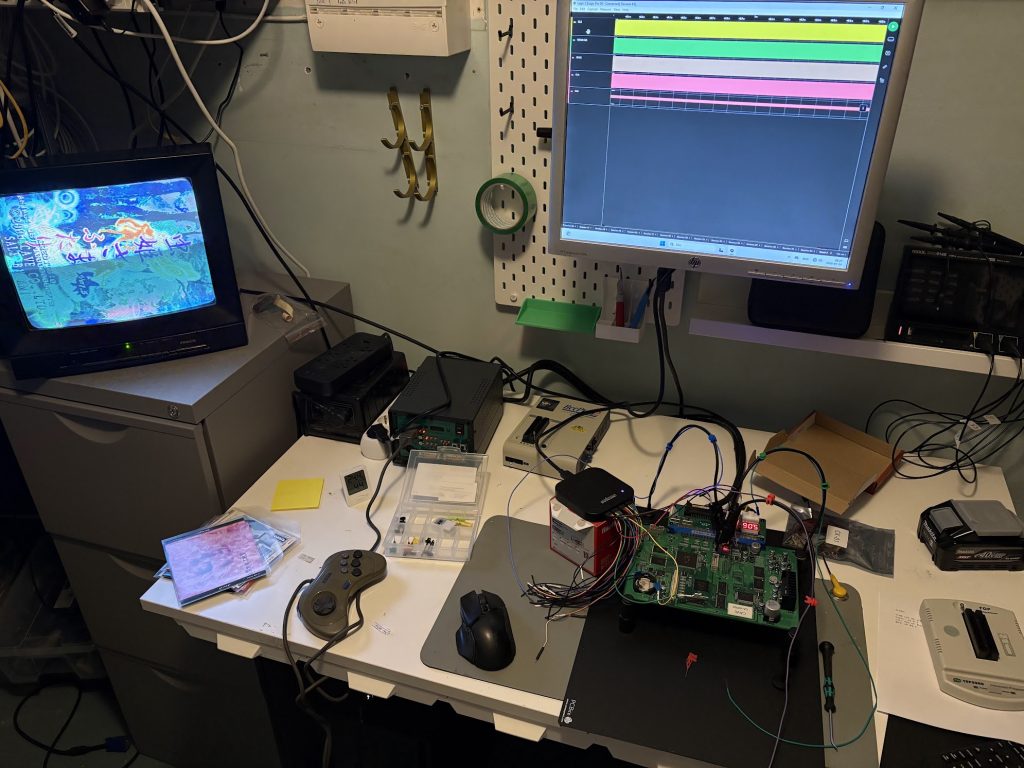
A few evenings of tweaking stuff, and testing things with various debug overlays, and things were MOSTLY playable though.

After a lot of trial and error, I ended up with something that plays fairly well! It will slow down on busy sections, but I’ll just pretend that it’s intentional CV1000 slowdown, since I know that’s what all the Cave sickos are into.

How does it run?

At startup, the Blitter from Ibara is injected into the EP1C12 used as Blitter, and the ROM is copied over to RAM, similar to how real CV1000 games do their booting.

Unlike regular CV1000 games, this port does not use the graphics RAM of U2 at all though. Since Flying Shark is an old small game, the graphics can live in U4 together with the code.

Each frame the following happens:

  • An M68000 emulator (Musashi) runs a frame of the program ROM.
  • All video writes (tilemaps, sprites, palette, scroll…) gets written to memory which gets translated to a command list for the Blitter. Uploads to VRAM only happen when a tile appears in an uncached color combination, or when a tile changes color.
  • Anything the original game hands off to the TMS320C10 math coprocessor just runs as native C code instead, rather than emulating that chip.
  • The Z80 Audio CPU is only minimally emulated, since the game ROM will wait for it. It’s not used for music playback. Each of the 25 sounds of the original game is mapped to a sound sample of the Ibara sound ROMs.
  • Controls are mostly directly mapped, but the port adds 10hz autofire for button 3 and 30hz autofire for button 4.

But why?

It was pretty fun.

Changelog

25 Sep 2026: V1 release
26 Sep 2026: V2: Bugfix for audio cutout issue

Categories
Arcade Research Shmups

Cave CV1000 Video Timings

Realized I never looked at the video timings of Cave CV1000 back when I was looking at how the blitter worked, so went ahead and did that.

Results are at https://github.com/buffis/cv1k_research/tree/main/Video_Timings and they have been merged into MAME as of yesterday.

The quick summary is:

  • Pixel clock: 6.4MHz
  • Lines per frame: 262 (including sync)
  • Lines of VSYNC: 3
  • Active lines (rest is overscan): 240
  • Pixels per line: 407 (including sync)
  • Pixels of HSYNC: 29
  • Active pixels per line (rest is overscan): 320
  • Framerate: 60.0183806291 Hz (6,400,000 / (262 * 407)

For people emulating the games, this should not have any effect really. This is mostly for documenting the behavior of boards, and for people doing stuff such as custom video scalers.

Categories
Arcade

Arcades in Guangzhou China – Now and Then

I’ve been to Guangzhou six or so times now, and I try to pop into their arcades to check out what’s available over there when I visit.

I thought it might be interesting to show how things used to be, and how they are now, so I’m gonna make a few posts that are basically picture dumps from some Arcades in Guangzhou.

All of these are typical “Mall Arcades” from different shopping malls.

Not really aiming to do much of a writeup, so enjoy the pictures.

How it used to be (back in 2013-2015 or so)

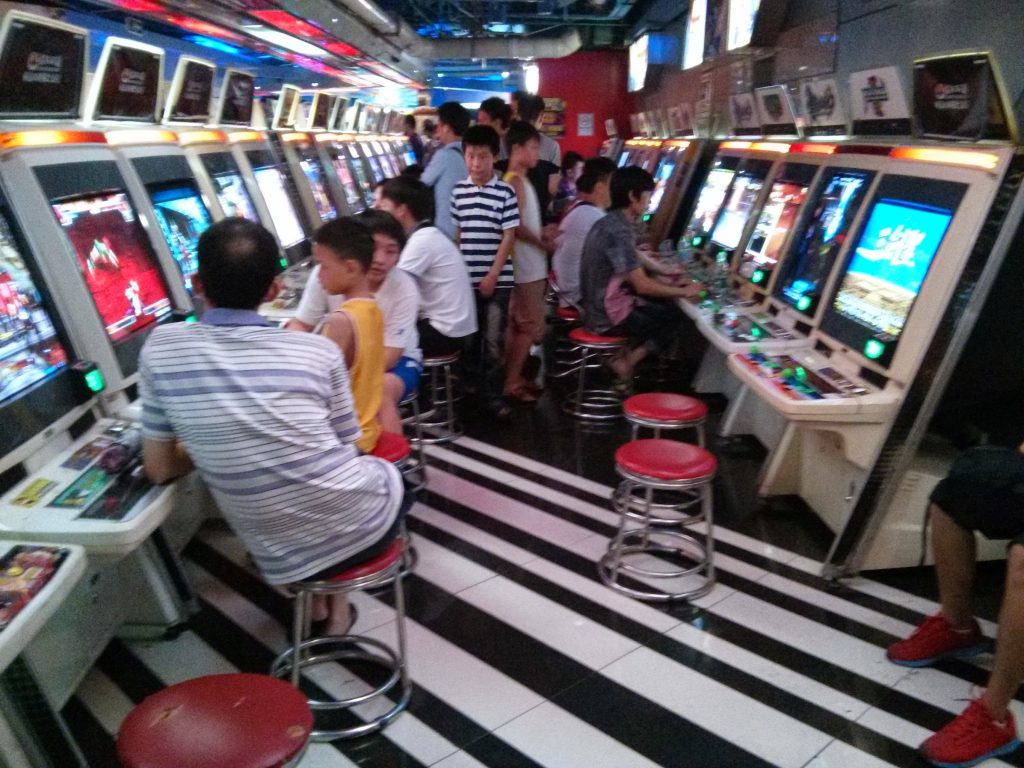
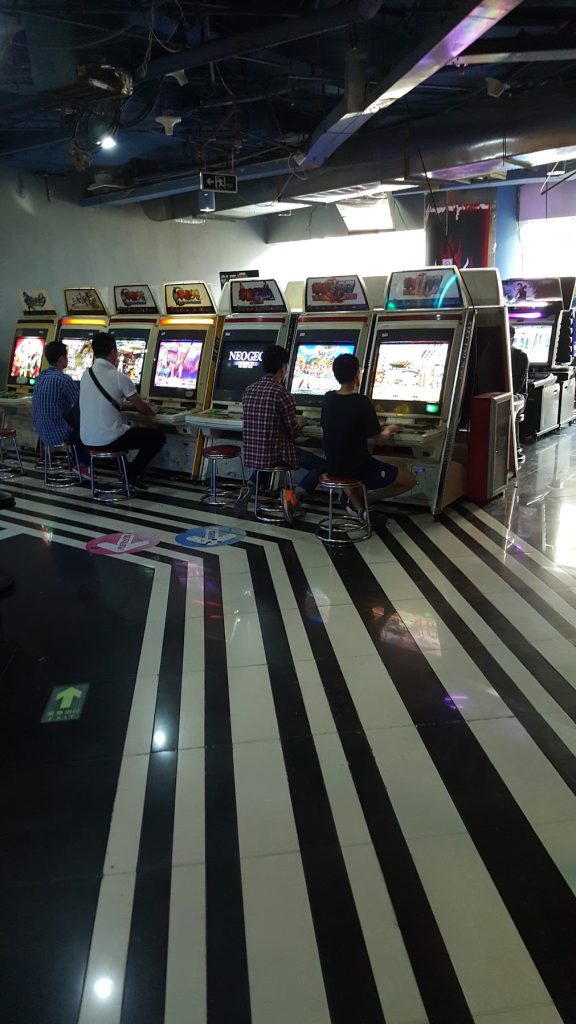
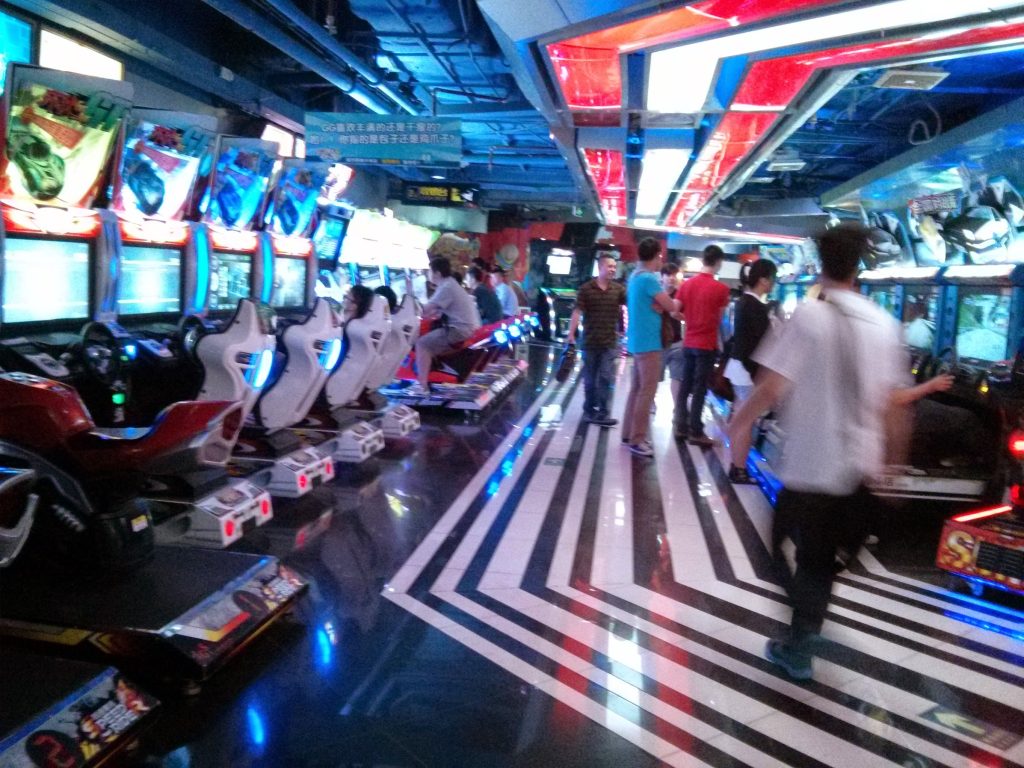
Back in ye olde days of 10+ years ago, the arcades still had plenty of old CRT sitdown cabs with old games. Lots of Neogeo, PGM and various boards. Just kinda a bit of everything.

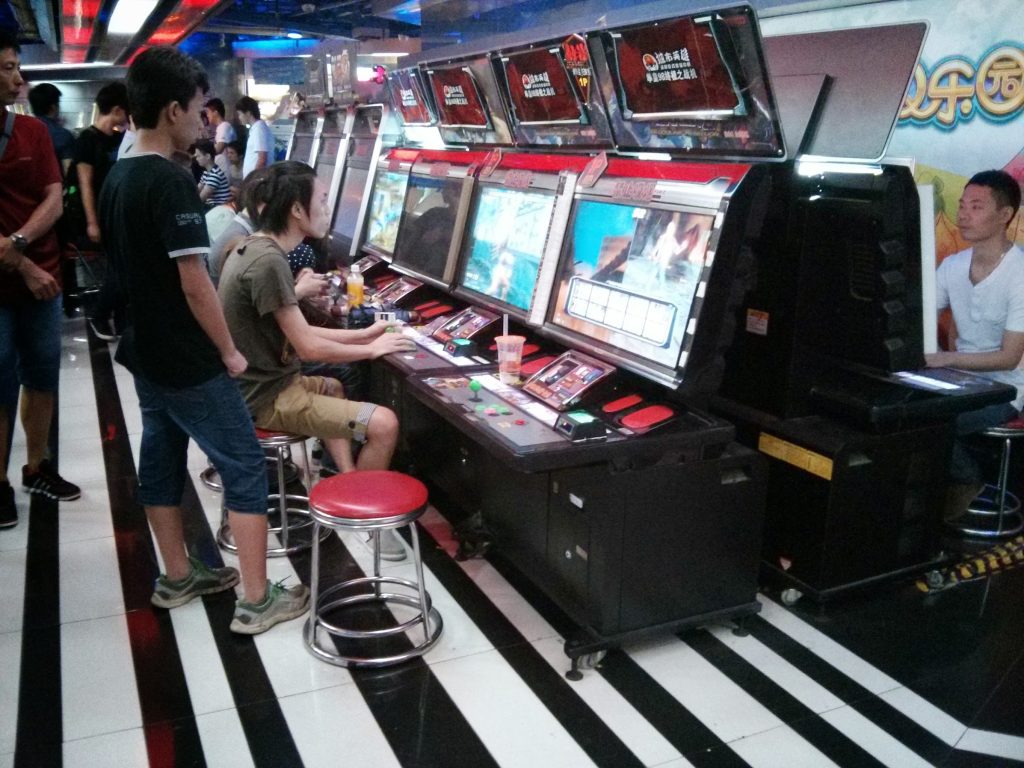
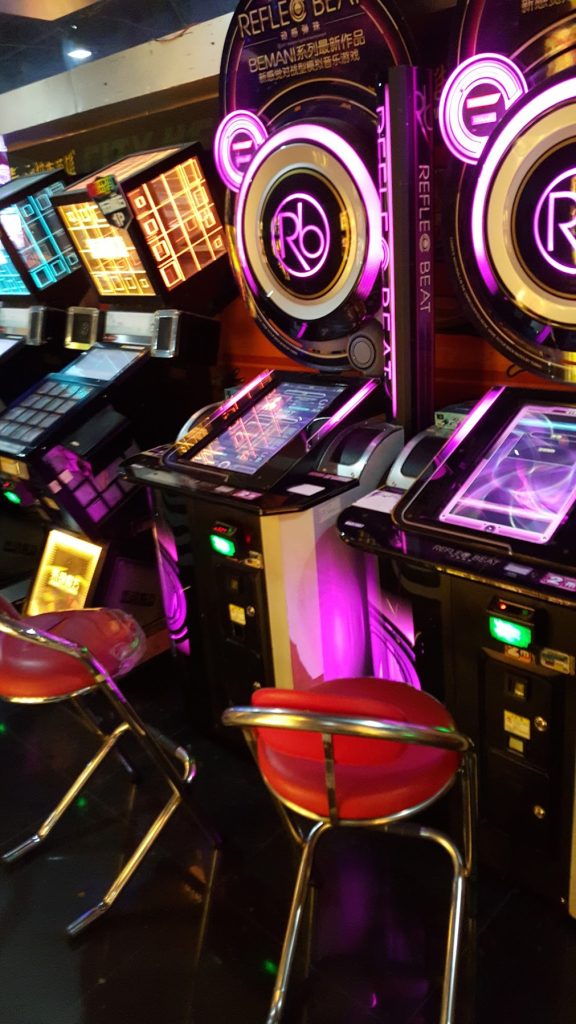
There were some official Music Cabs around like Jubeat and Reflec Beat…

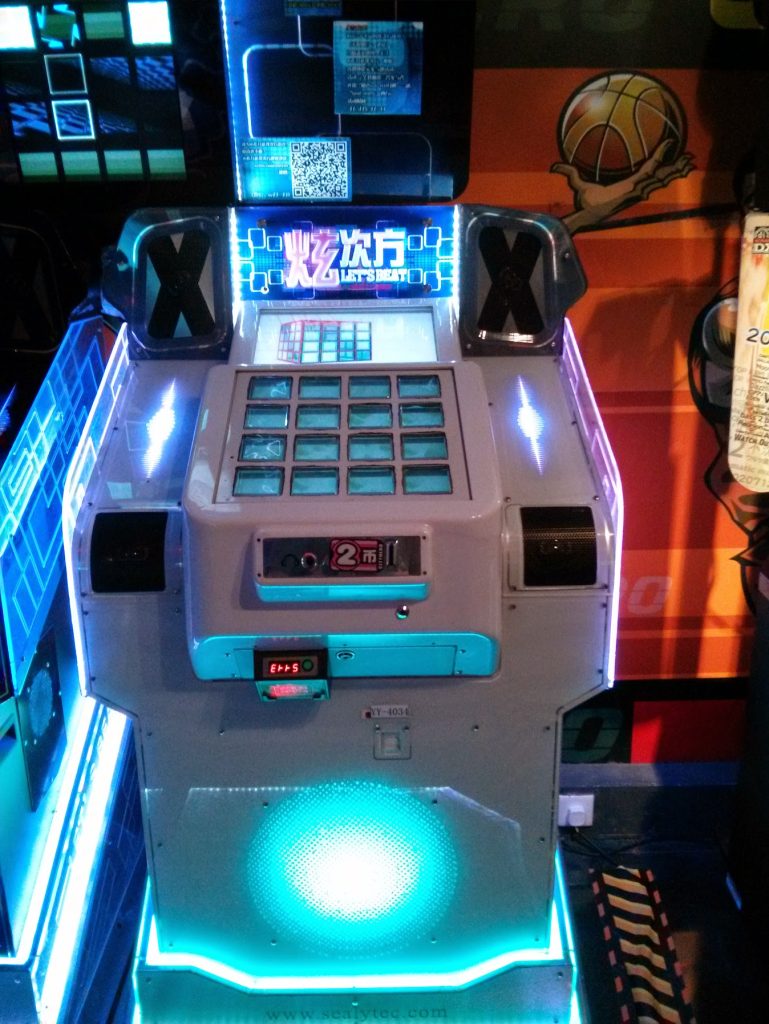
… but also a bunch of bootlegs like this fake Jubeat

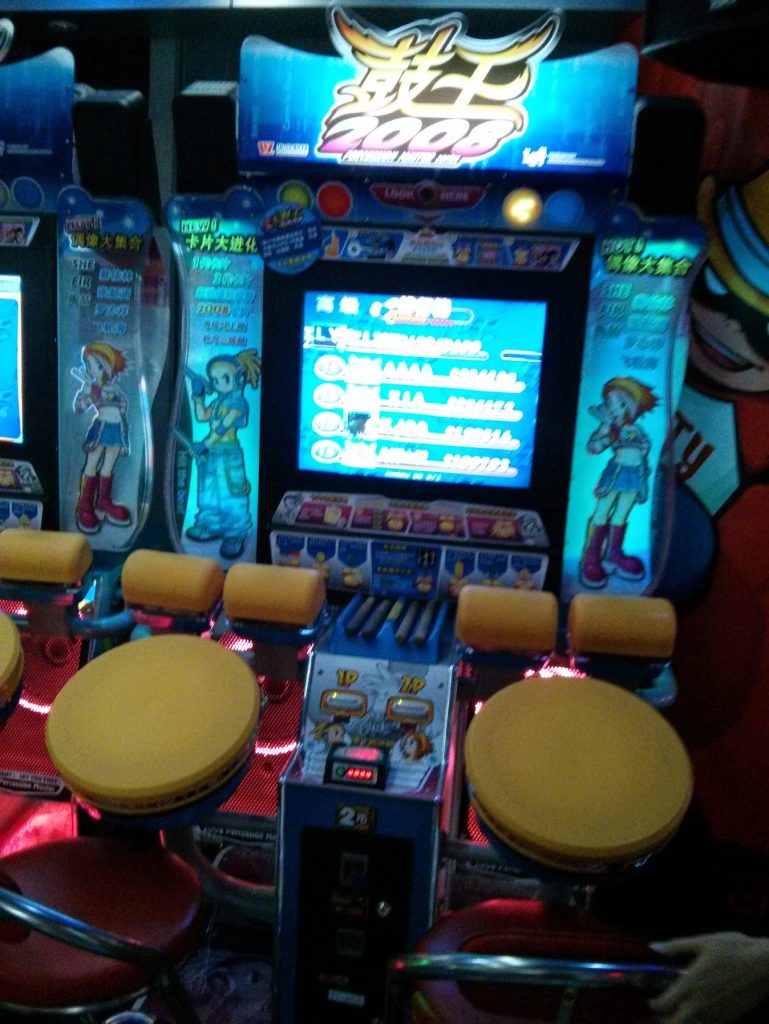
… and plenty of Chinese originals like whatever this is, as well as a bunch of Driving games.

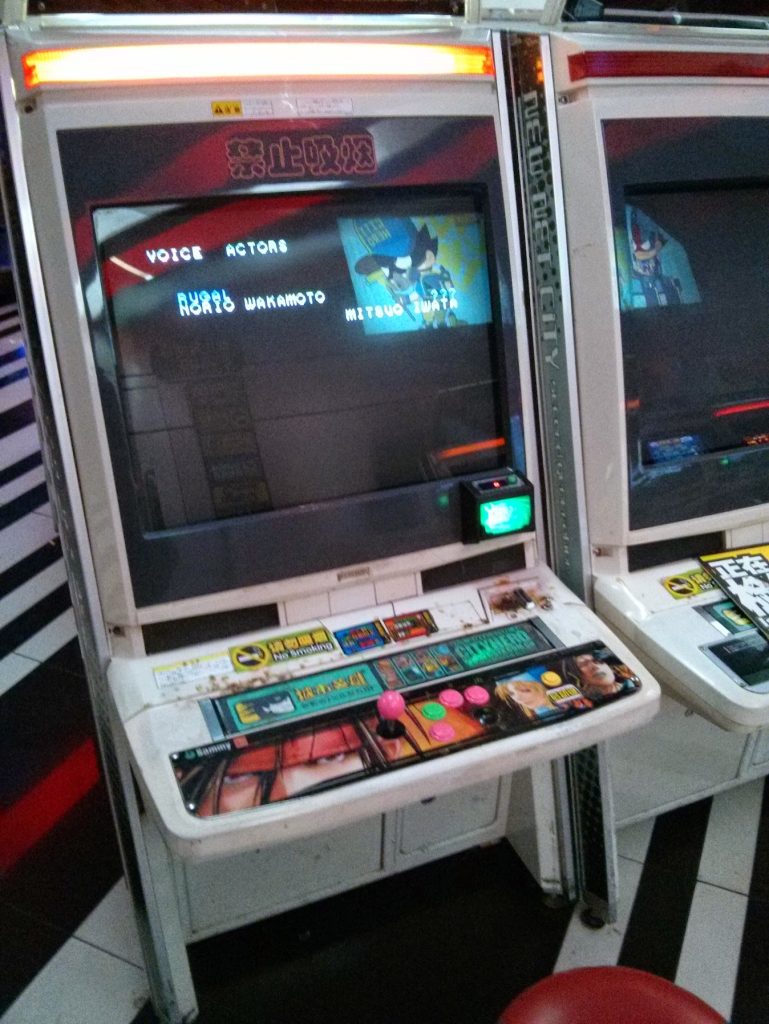
Condition of cabs was usually kinda shit, see this closer image for a good example. Lots of burnmarks from smokers and whatnot.

Overall, the variety here for classic arcade games was very high! Some games were also weirdly popular in China compared to the west. For some reason they really loved King of Fighters 97 over there instead of 98 and 2002 which are more popular in the west.

What its like now (2026)

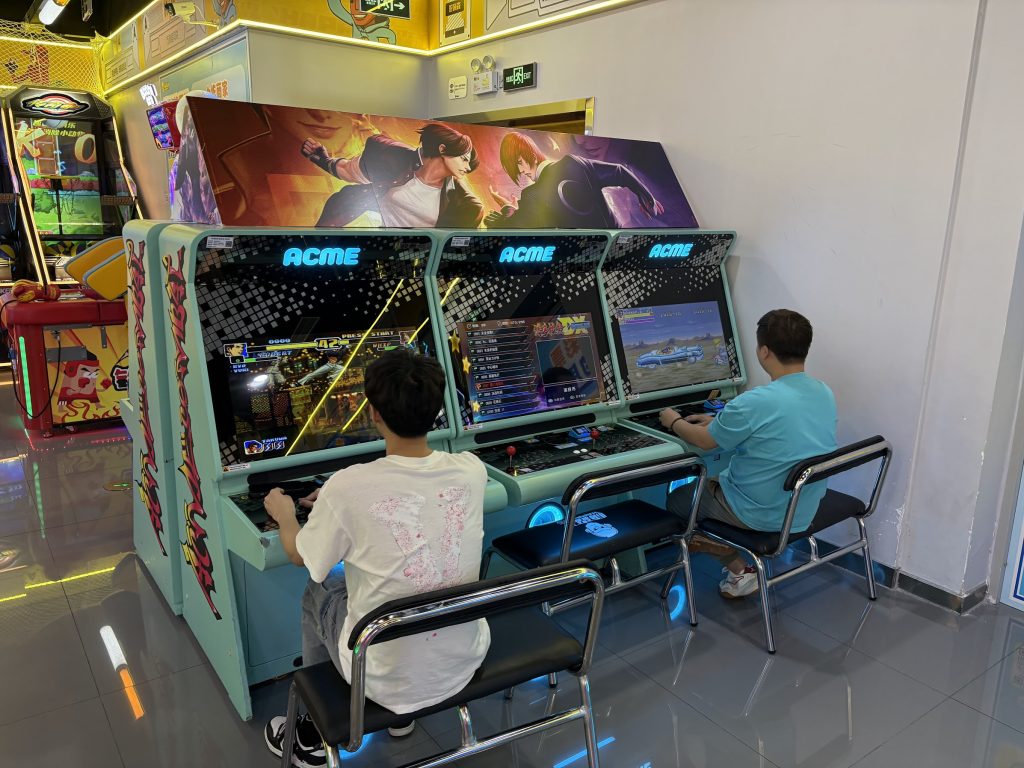
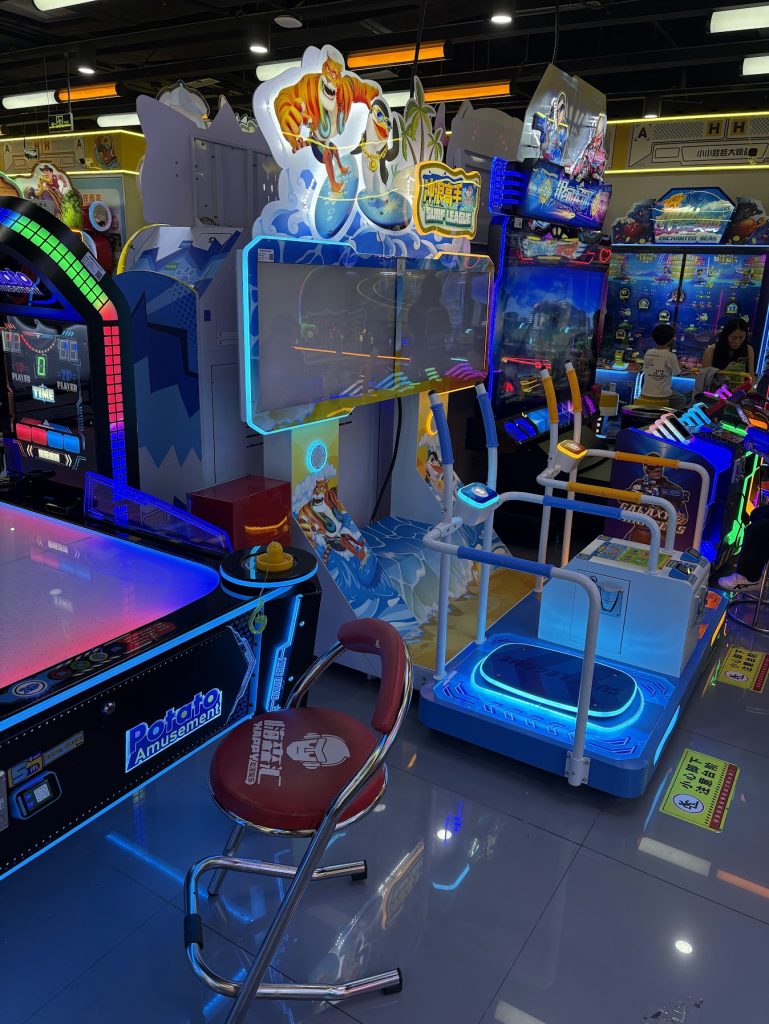
All retro-style cabs seem gone. I didn’t see a single CRT cab. The only sit-down lever+button cabs I saw were some mame cabs like these ones:

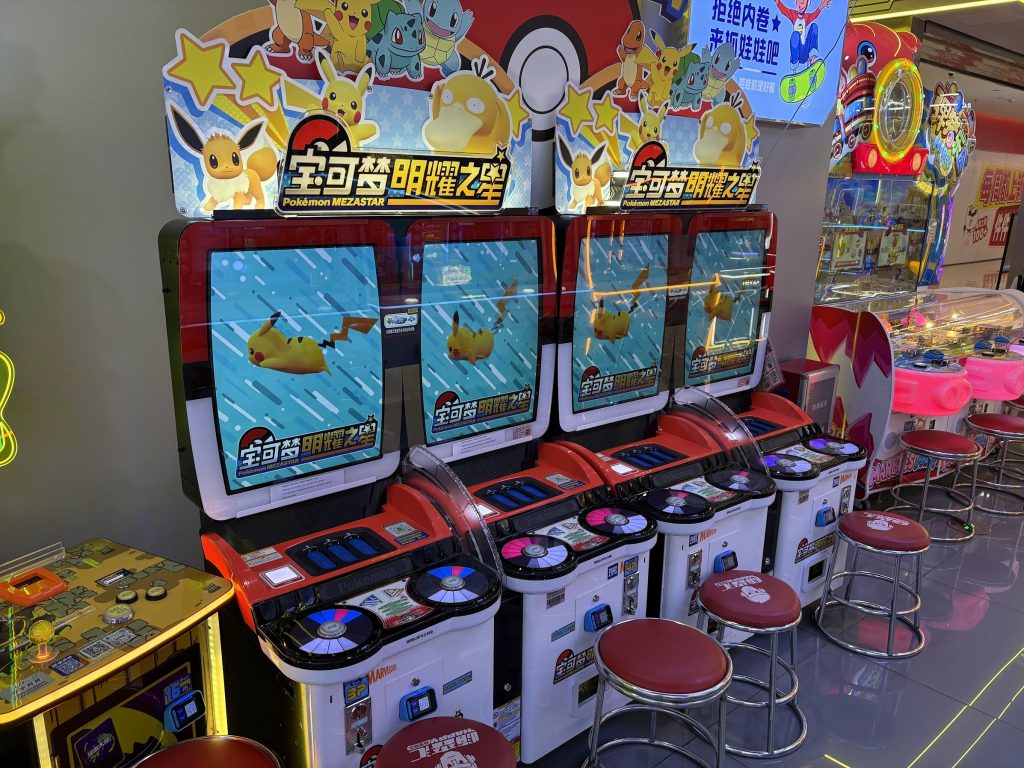
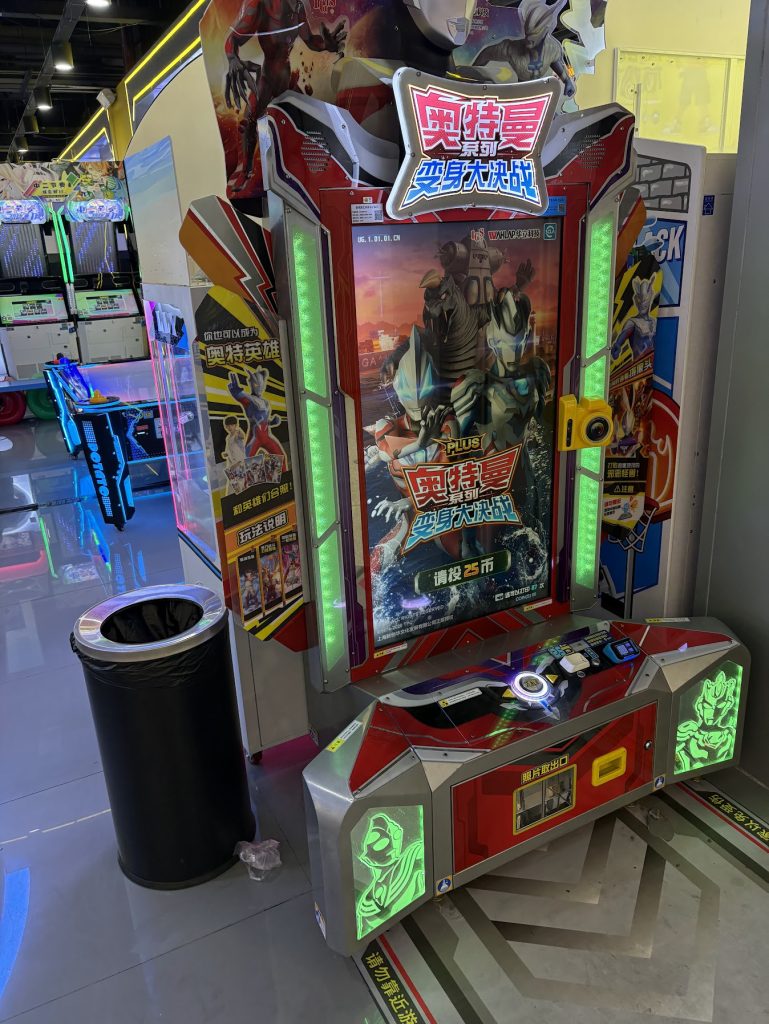
There were however still a bunch of cool games.

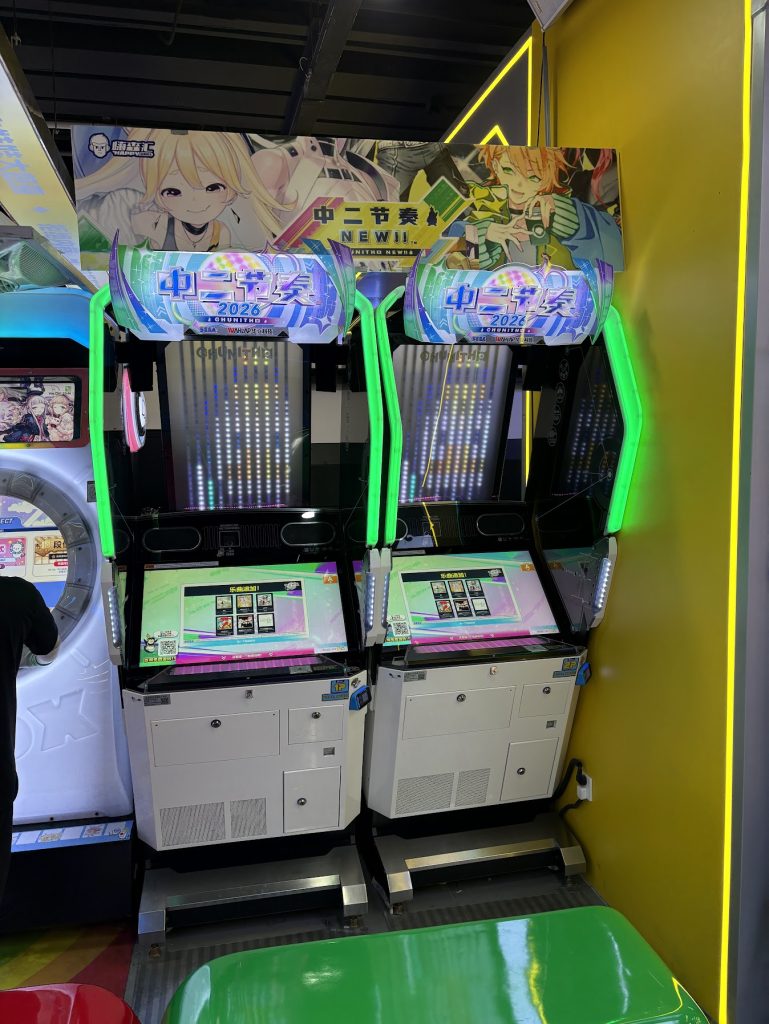
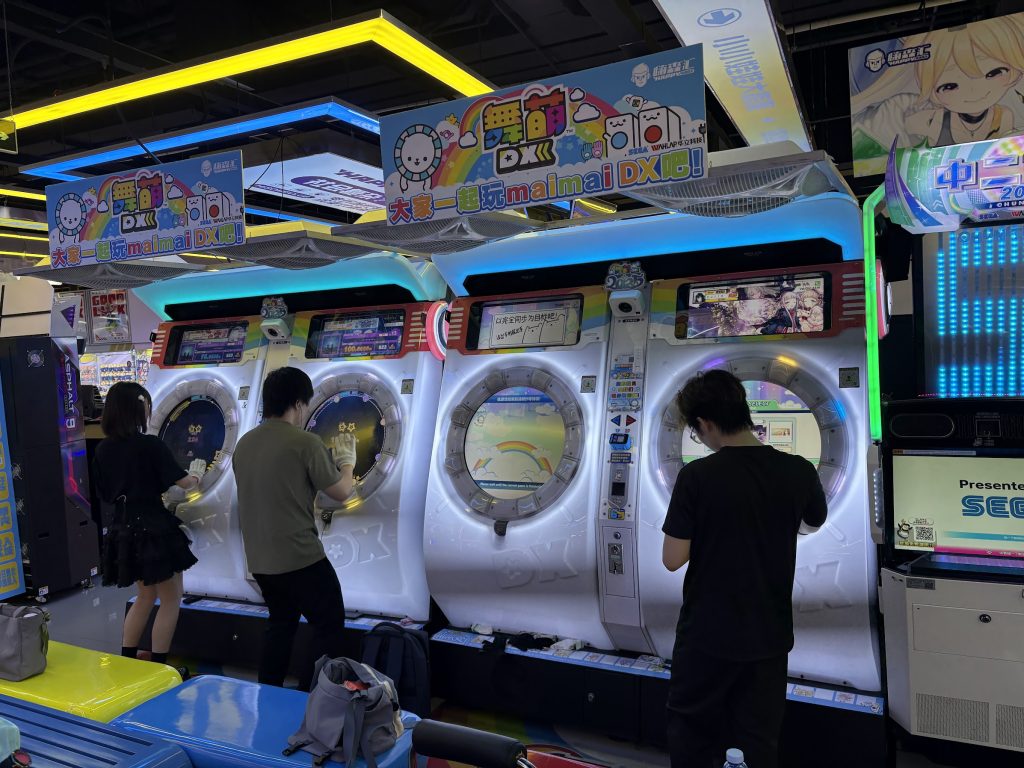
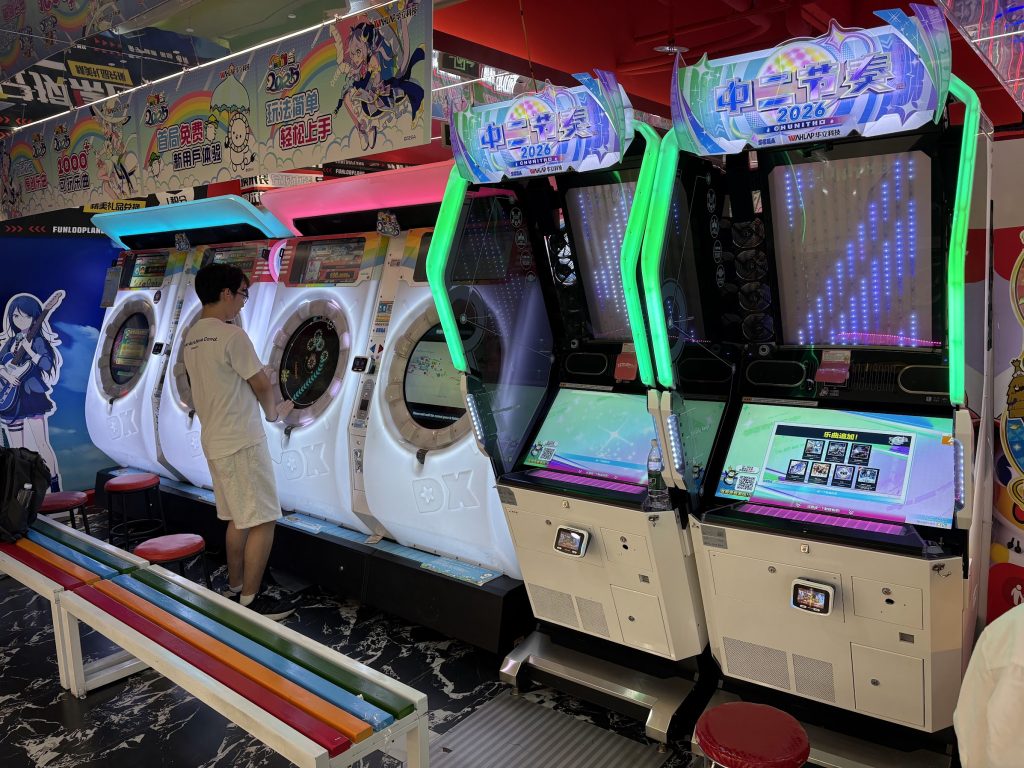
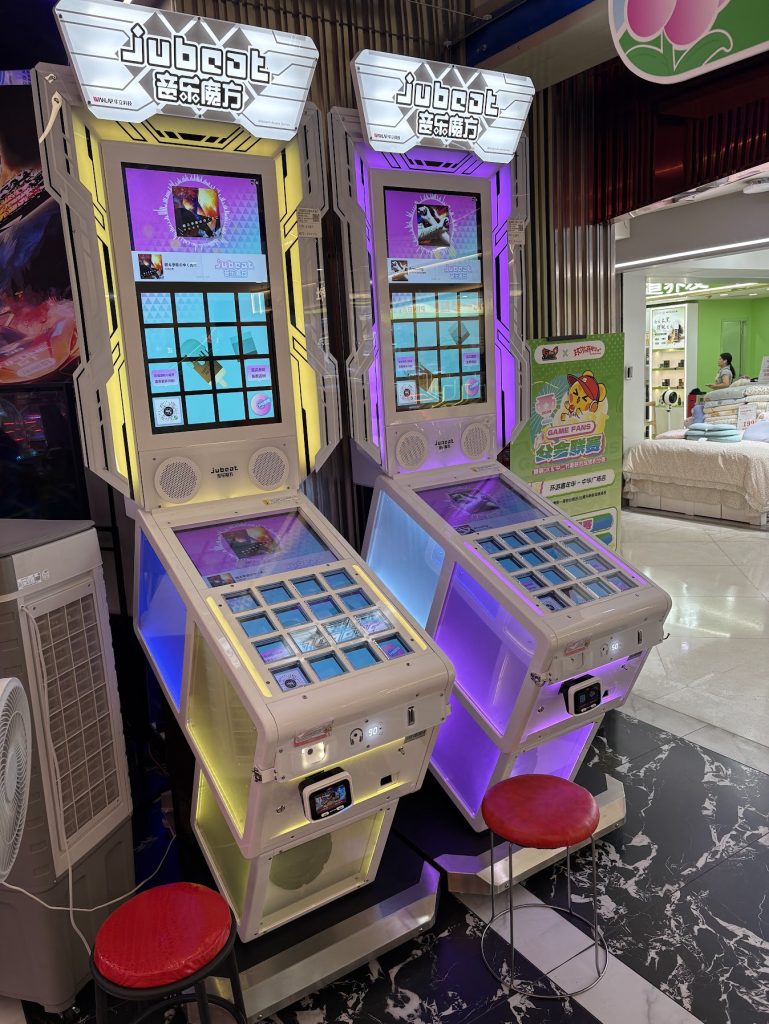
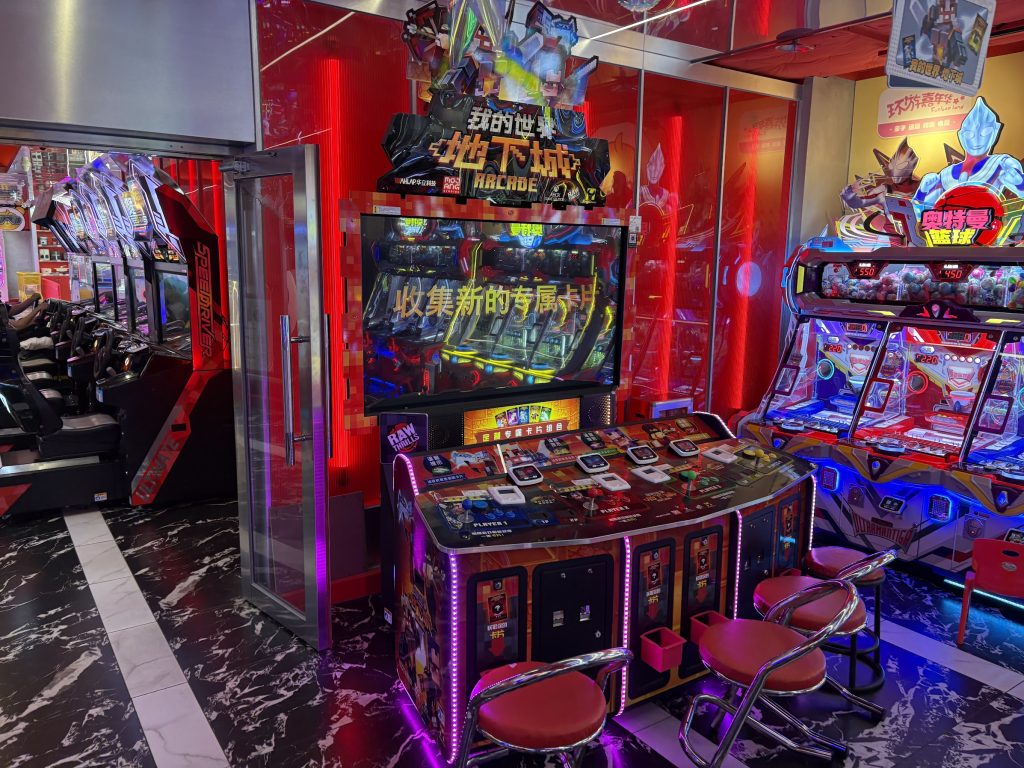
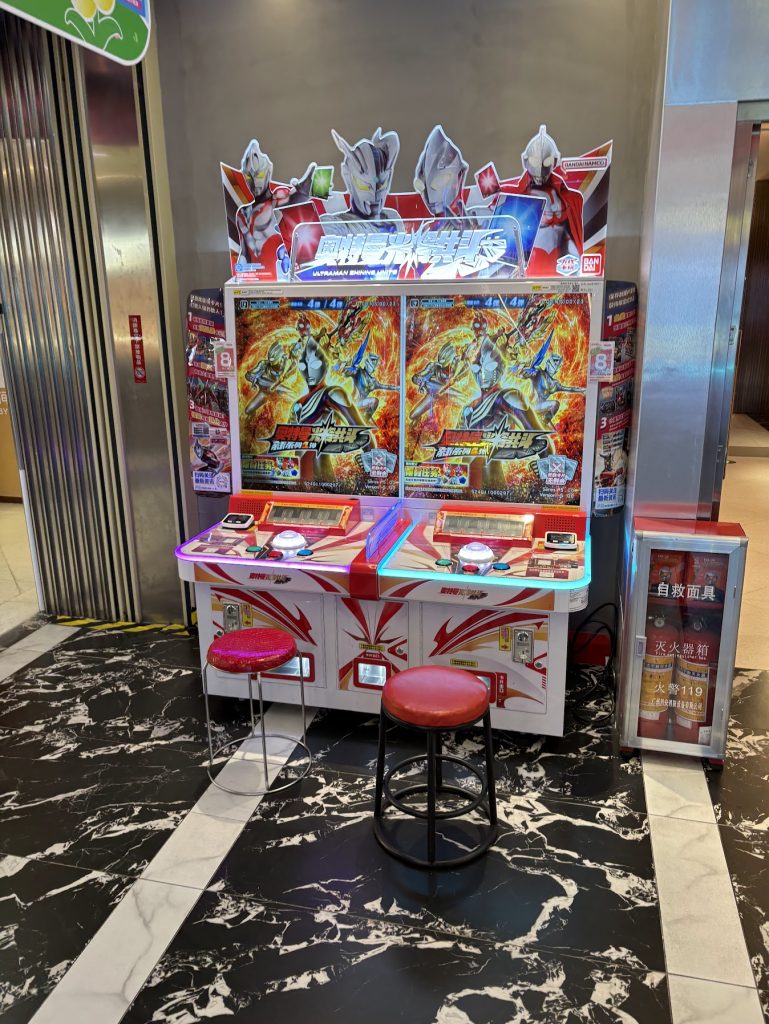
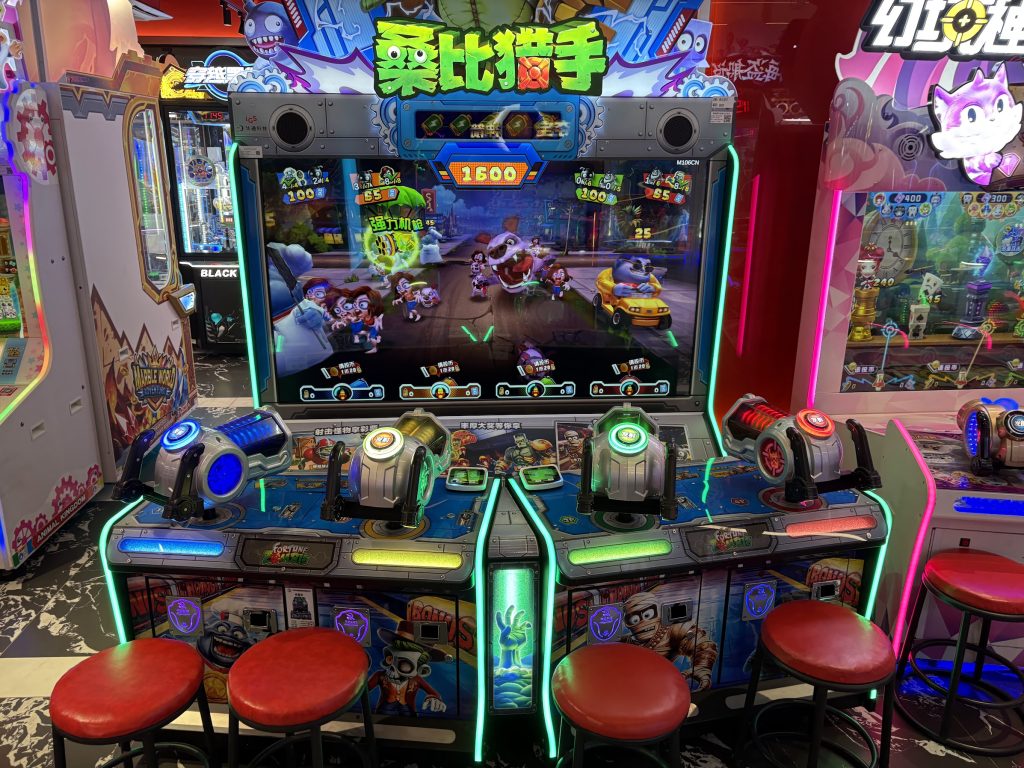
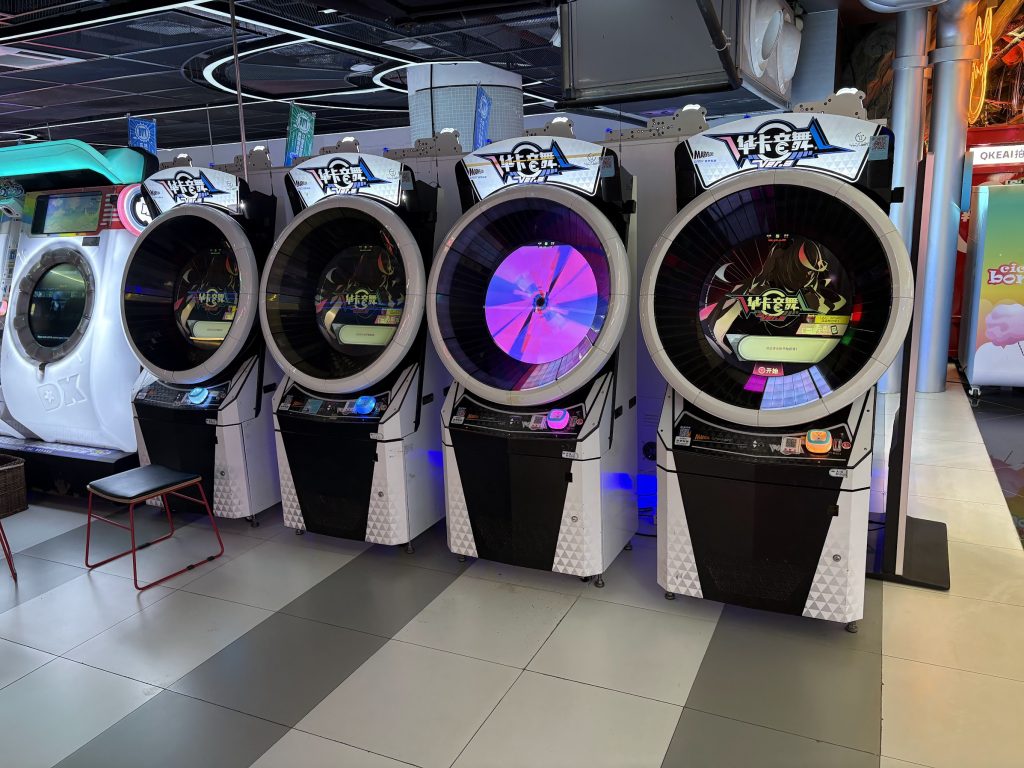
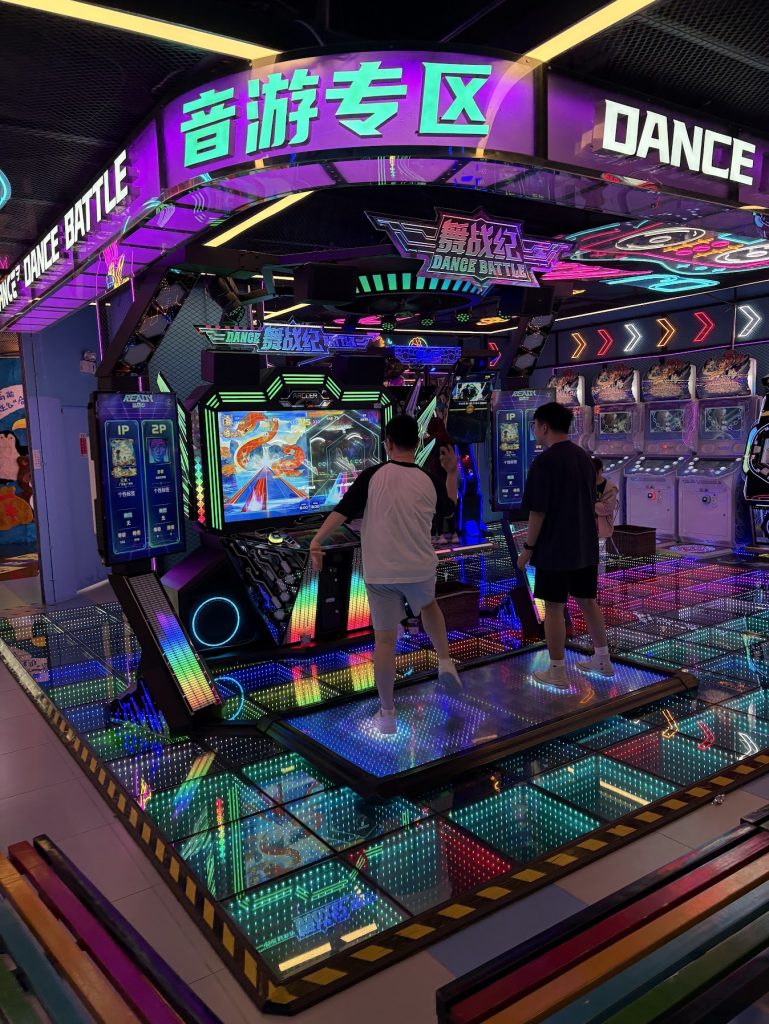
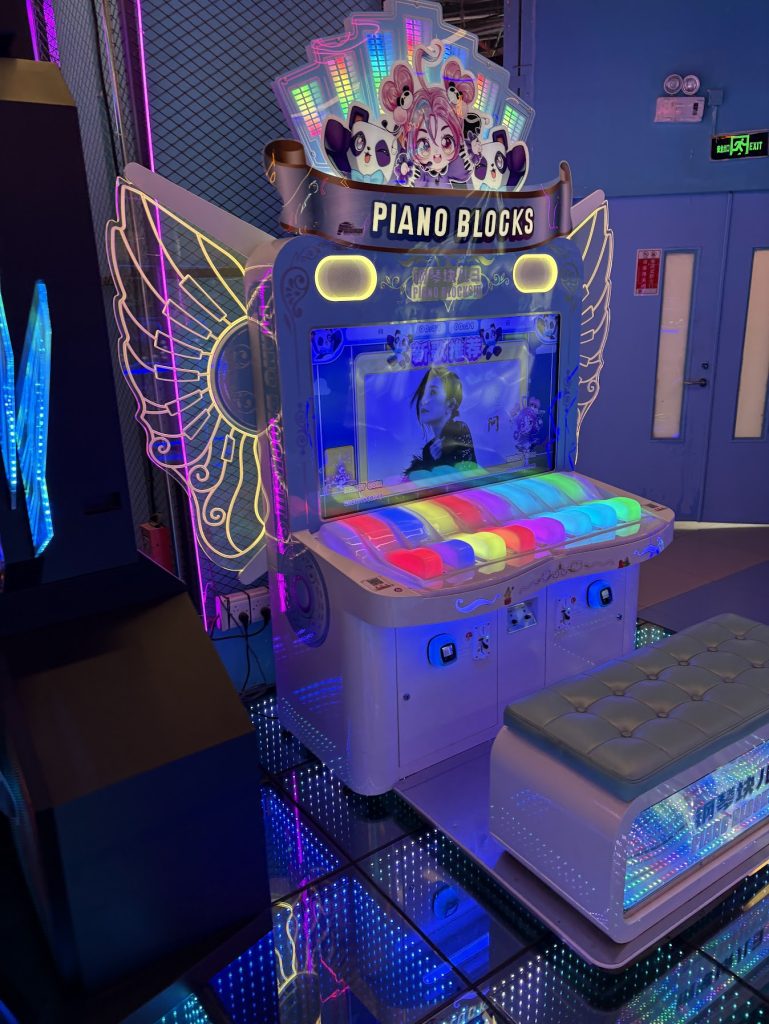
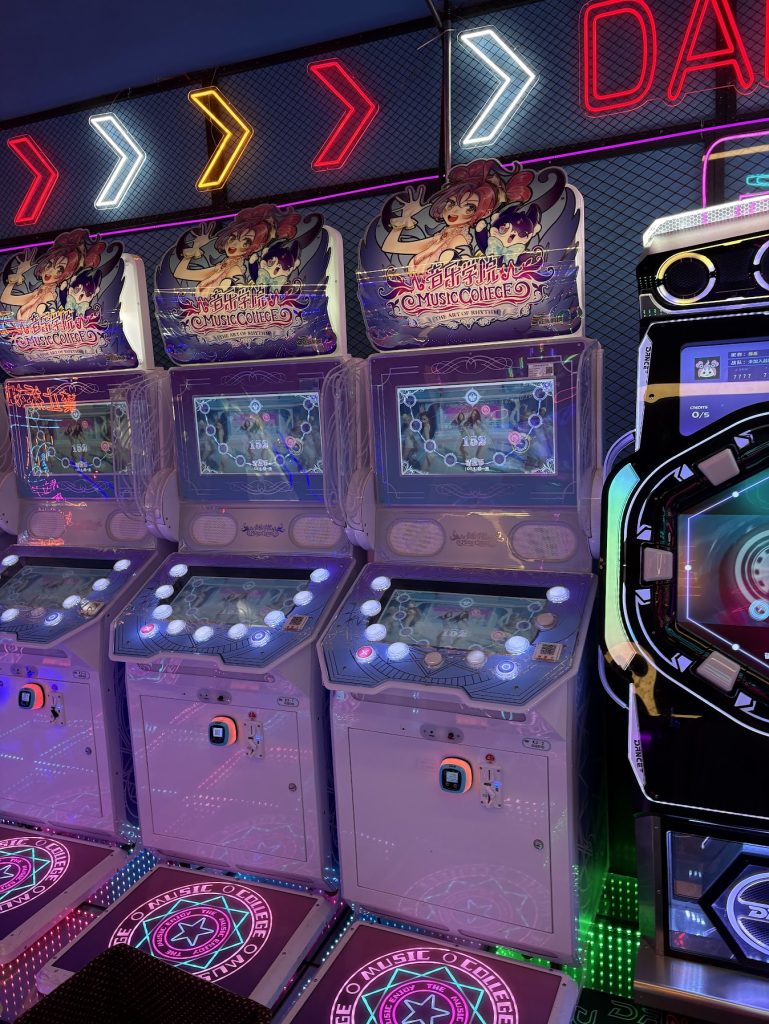
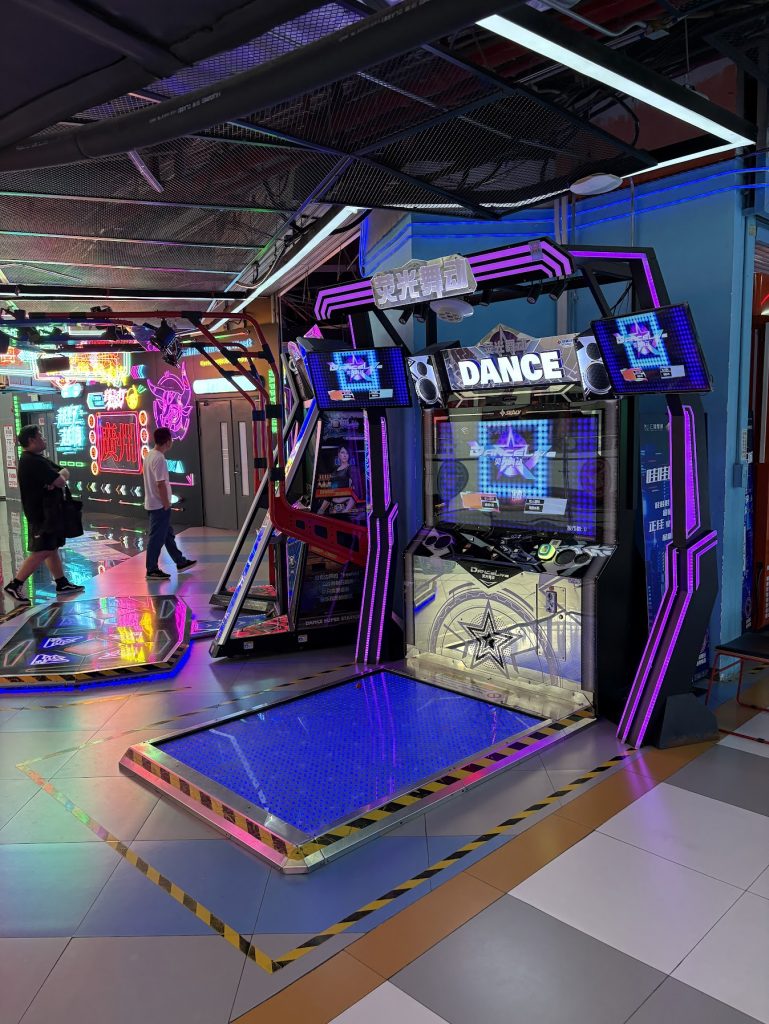
For Music games, all of the places I went to had some officially licensed Bemani/Sega cabs licensed to China by Wahlap. There’s also some fun clones available of various games.

I did pop into three different Arcades on this visit.

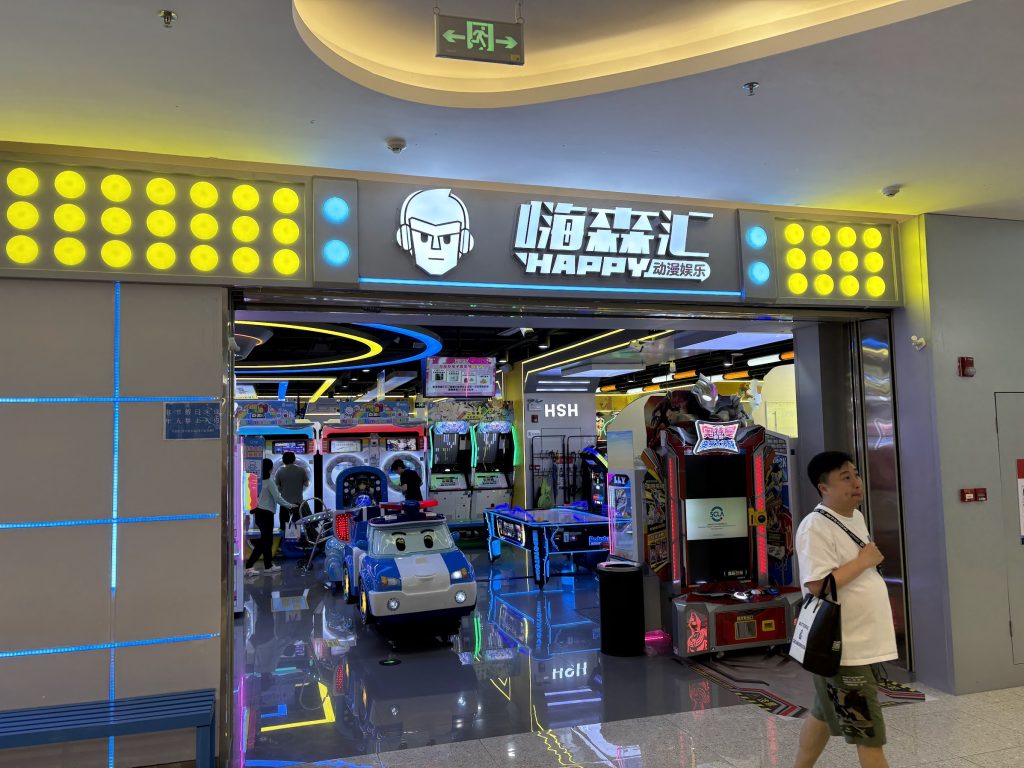
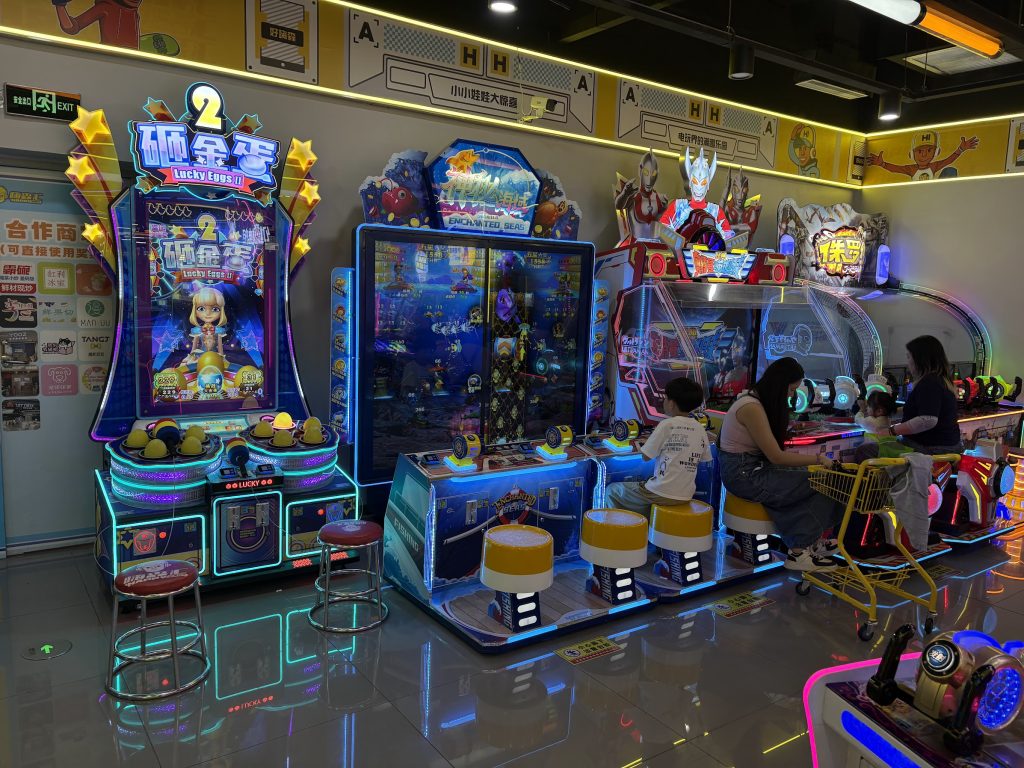
嗨森汇 HAPPY 动漫娱乐

Medium size Mall arcade with pretty good variety. Good selection of music games.

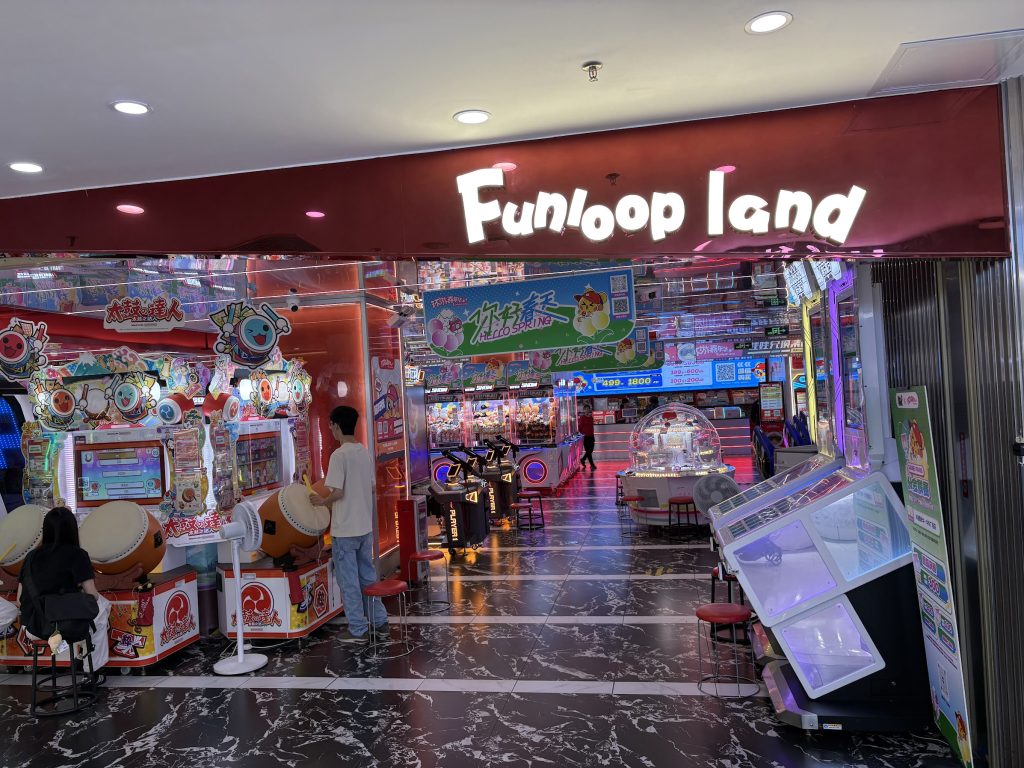
Funloop Land

Technically I think Funloop Land is a chain of arcades run by Wahlap, and this is just one of those from some mall. Pretty small place, but some fun games in there.

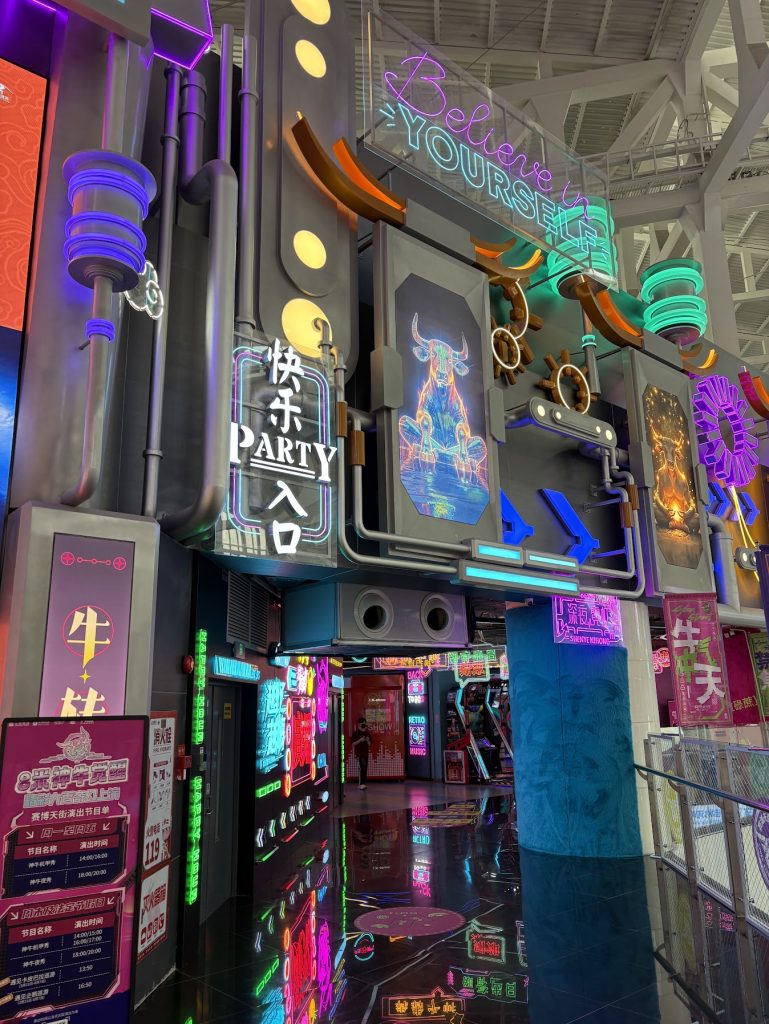
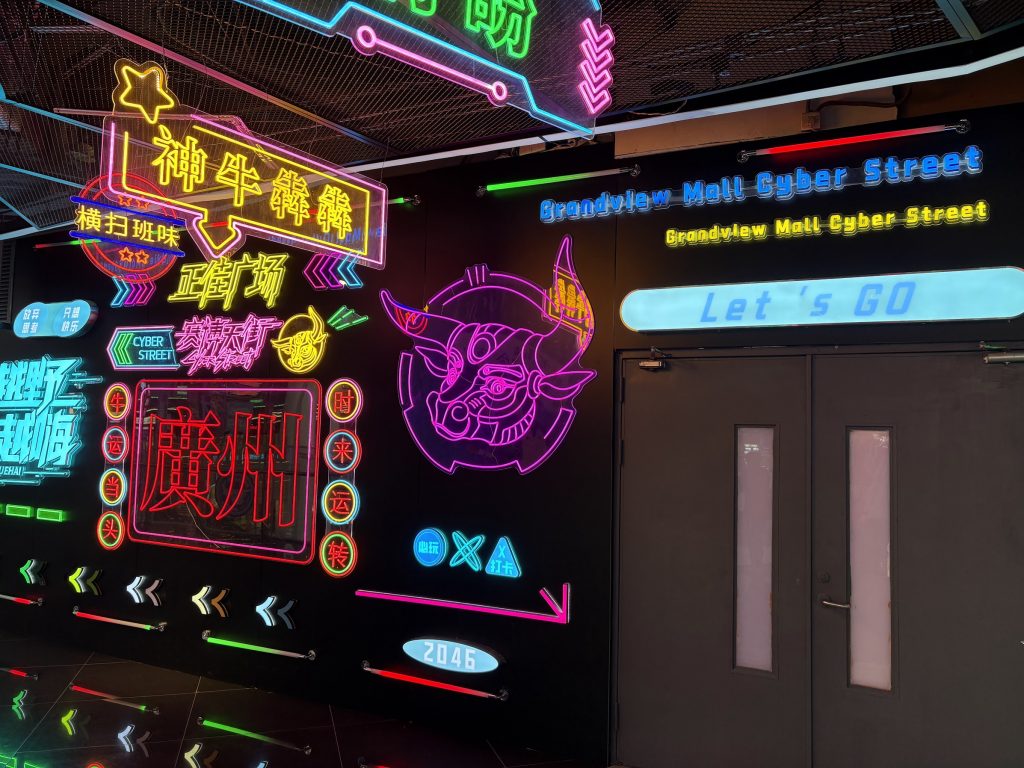
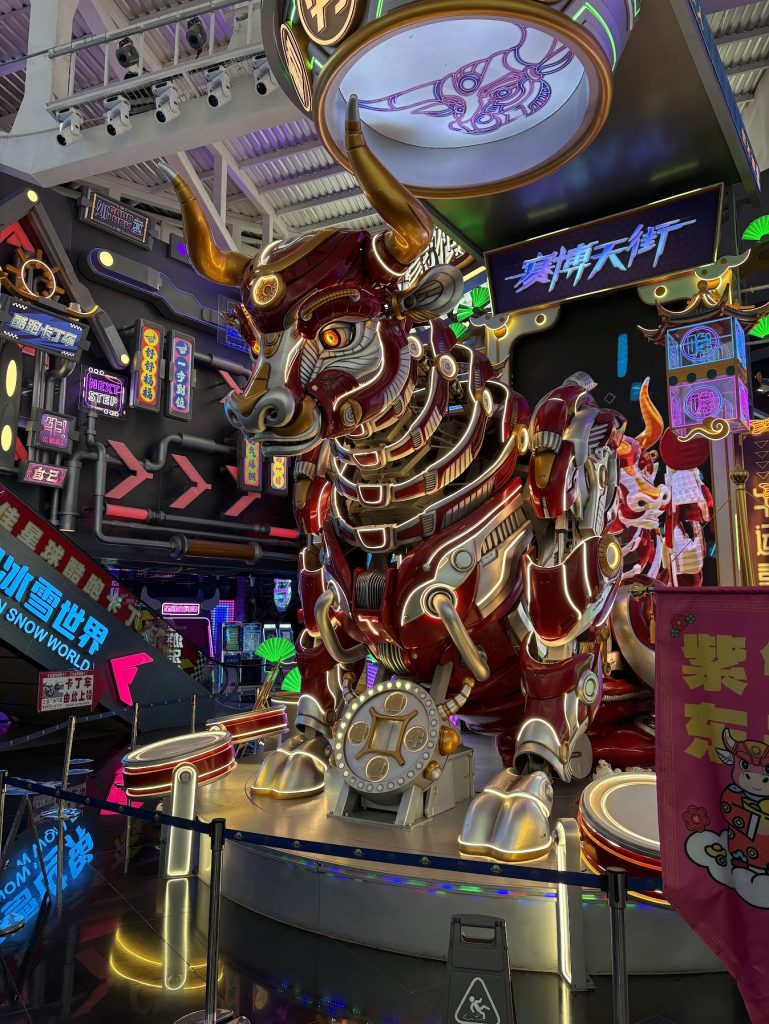
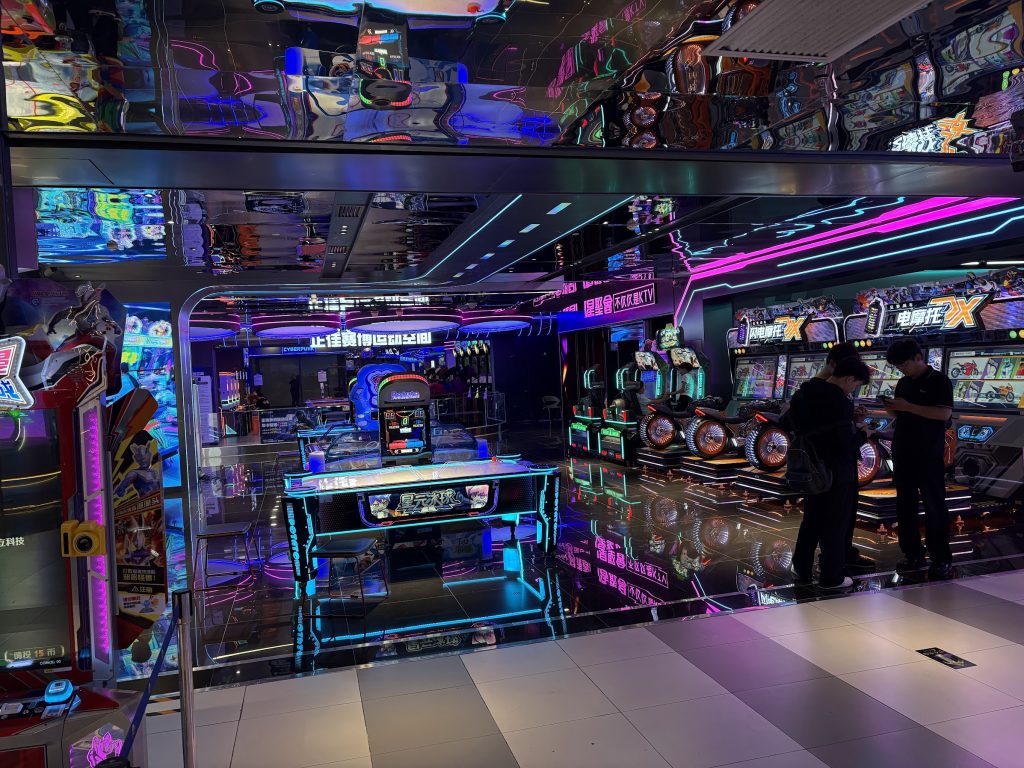
Grandview Mall Cyber Street

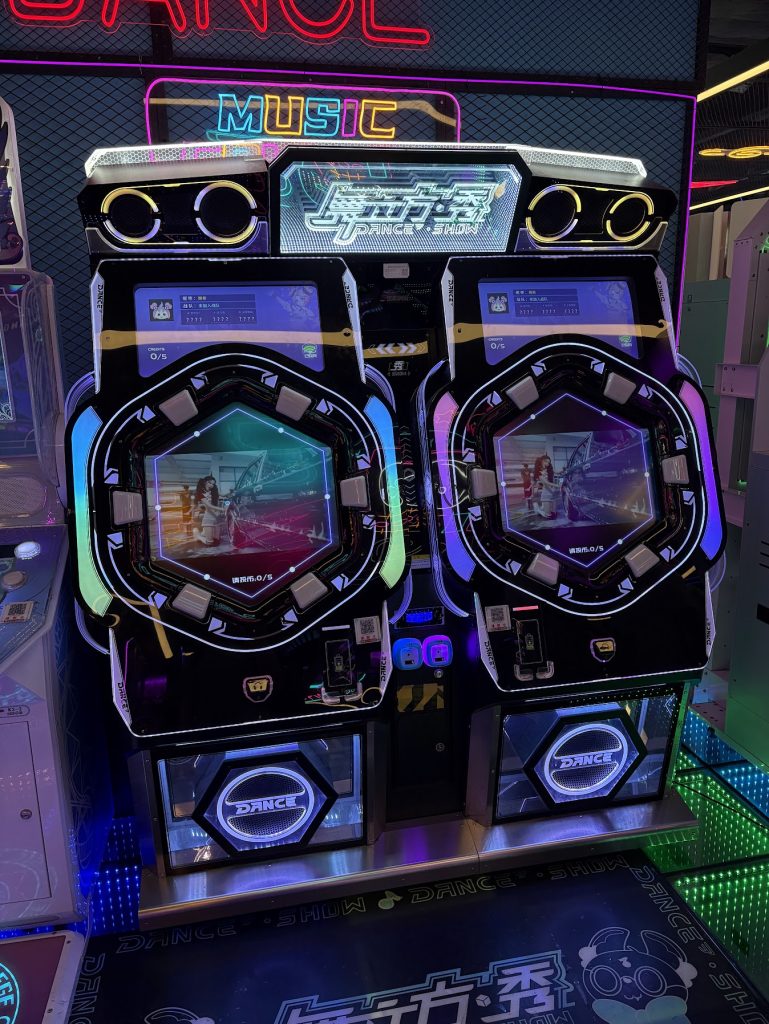
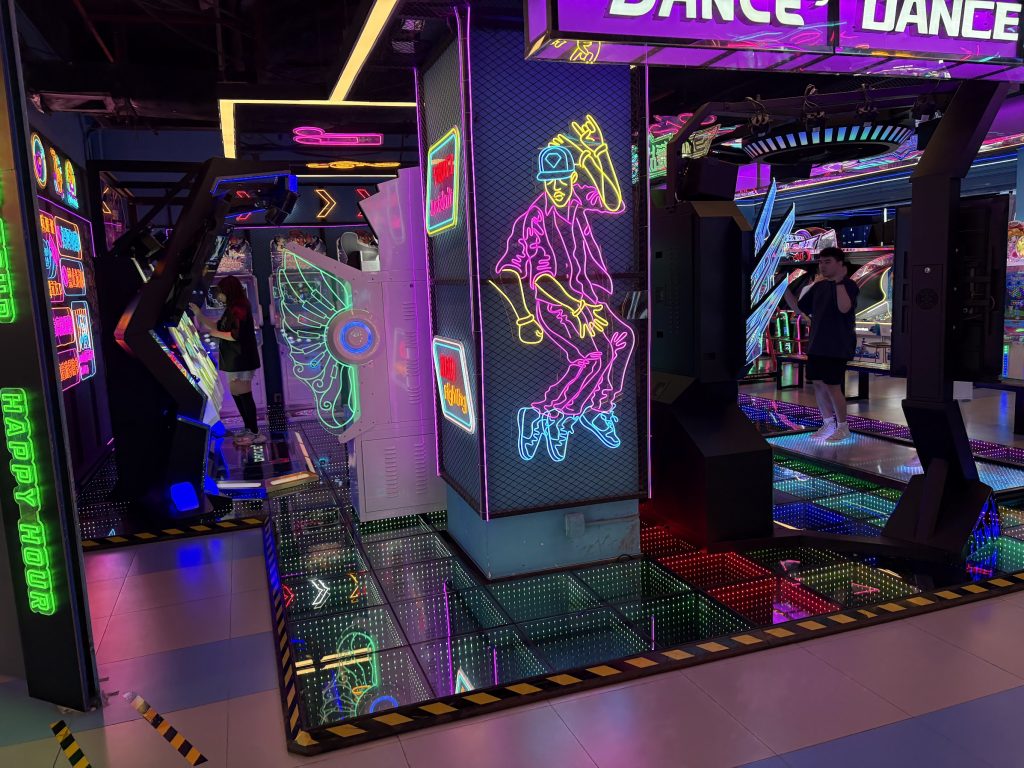
Now this is a proper cool place! The entire arcade feels very futuristic, and especially the Entrance. Lots of Music games and this place is significantly larger than the other two. Recommended.

Not a single lever+button cab in sight though. Such are the times.

Quick video walking through Cyber Street

Shot a quick video of walking through the arcade mentioned above.