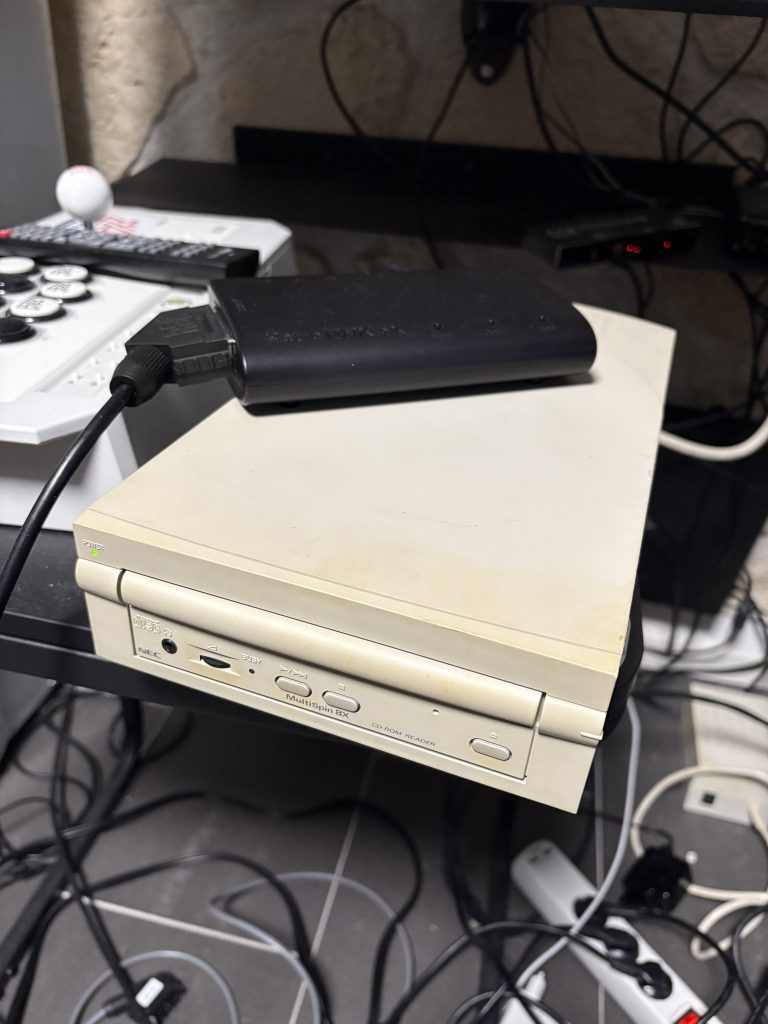
Had some issues getting SCSI CD-ROM booting working on my FM Towns tower, so thought I’d just do a quick step-by-step writeup on what I did.
The source of this is https://nfggames.com/forum2/index.php?topic=6821.0 but it’s very light on info, and took me a while to figure out how to get this on a floppy from a modern computer.

Hardware needed:
- 3.5″ floppy drive + floppy
- Greaseweazle setup
- SCSI CD-ROM + cable for connecting it to back of FM Towns
Software needed:
- Greaseweazle: https://github.com/keirf/greaseweazle/wiki/Software-Installation
- Virtual Floppy Image Converter (vf011010): https://nfggames.com/X68000/index.php/PC_Tools/Disk/?upload=1
- FDMINI.BIN from https://github.com/captainys/FM/tree/master/TOWNS/IPL/DISKIMG
Making the floppy
This is honestly the only tricky part, and the main thing is that the disk images are incompatible with greaseweazle as far as I can tell, so first you need to open Virtual Floppy Image Converter and convert it to a FM Towns compatible format.
- Select “D88 format” as format and click the open icon to the left
- Select FDMINI.BIN
- This will then spit out a D88 image.
Connect your Greaseweazle over USB. Hook up the 3.5″ floppy drive to it. Use a twisted floppy cable. Run:
gw write fdimage.d88 --drive=A
This will produce the floppy you need
Booting
Connect the SCSI CD-ROM drive to the SCSI port at the back of the FM Towns and put a CD in it. Use the boot floppy and it will automatically boot from the external CD-ROM.
Works great!
Look at this chunky CD-ROM. So big and cool.